19
GB
Listening to music through a BLUETOOTH connection
Listening to music by
one-touch action
(NFC)
NFC is a technology for short-range wireless
communication between various devices
such as a mobile phone and IC tag.
Just touch your smartphone/tablet on the
system. The system is turned on
automatically, and pairing and BLUETOOTH
connection are established.
Beforehand, turn the NFC settings to on.
1
Touch your smartphone/tablet
on the N-mark on the unit.
Touch the smartphone/tablet on the
unit and maintain contact until the
smartphone/tablet vibrates or plays a
short sound.
Refer to the user’s guide of your
smartphone/tablet for the part of your
smartphone/tablet used as touch
contact.
2
After completing the connection,
press .
Starts playback.
To disconnect the established
connection, touch your smartphone/
tablet on the N-Mark on the unit.
Compatible smartphones are those equipped
with the NFC function (compatible operating
system: Android version 2.3.3 or later with the
exception of Android 3.x).
Check the website below for information on
compatible devices.
If the smartphone/tablet does not respond even
though it is touched to the unit, download “NFC
Easy Connect” to your smartphone/tablet and
run it. Then touch to the unit again. “NFC Easy
Connect” is a free application for exclusive use
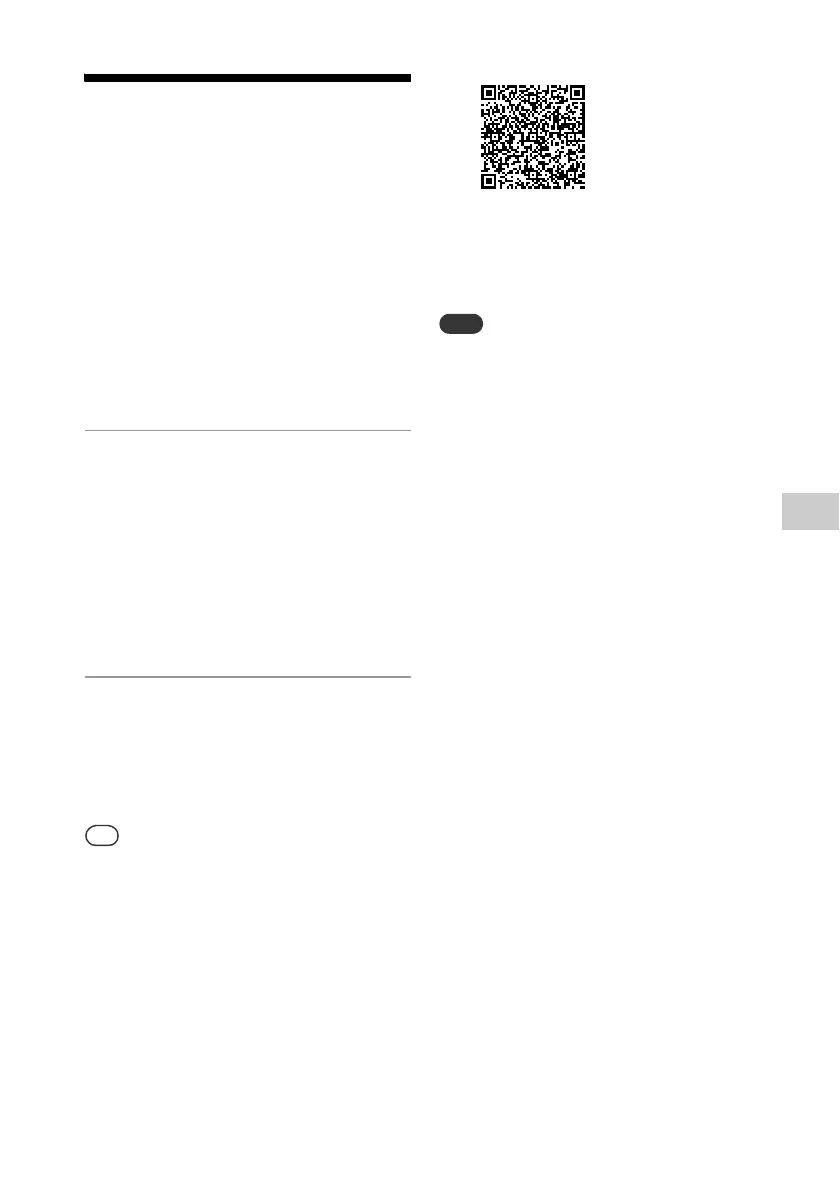
with Android™. Scan the following 2D Code.
When you touch an NFC-compliant smartphone/
tablet on the unit while another BLUETOOTH
device is connected with this system, the
BLUETOOTH device is disconnected and the
system is connected with the smartphone/
tablet.
In some countries and regions, NFC-compliant
application may not be downloaded.
For some smartphones/tablets, this function
may be available without downloading “NFC
Easy Connect.” In this case, the operation and
specifications of the smartphone/tablet may be
different from the description in this manual. For
details, refer to the user’s guide supplied with
your smartphone/tablet.
The BLUETOOTH connection may fail if the
system is touched with a smartphone/tablet
with the NFC function when it is reading a CD or
searching a USB device.
When the system is turned on and starts
playback via the BLUETOOTH connection by one-
touch action (NFC), the playback sound may not
be heard from the beginning of the track. To
start playback from the beginning, press
, or make a BLUETOOTH connection after the
system turns on.
http://support.sony-europe.com/



 To Next Page