33
Making good use of your camcorder
GB
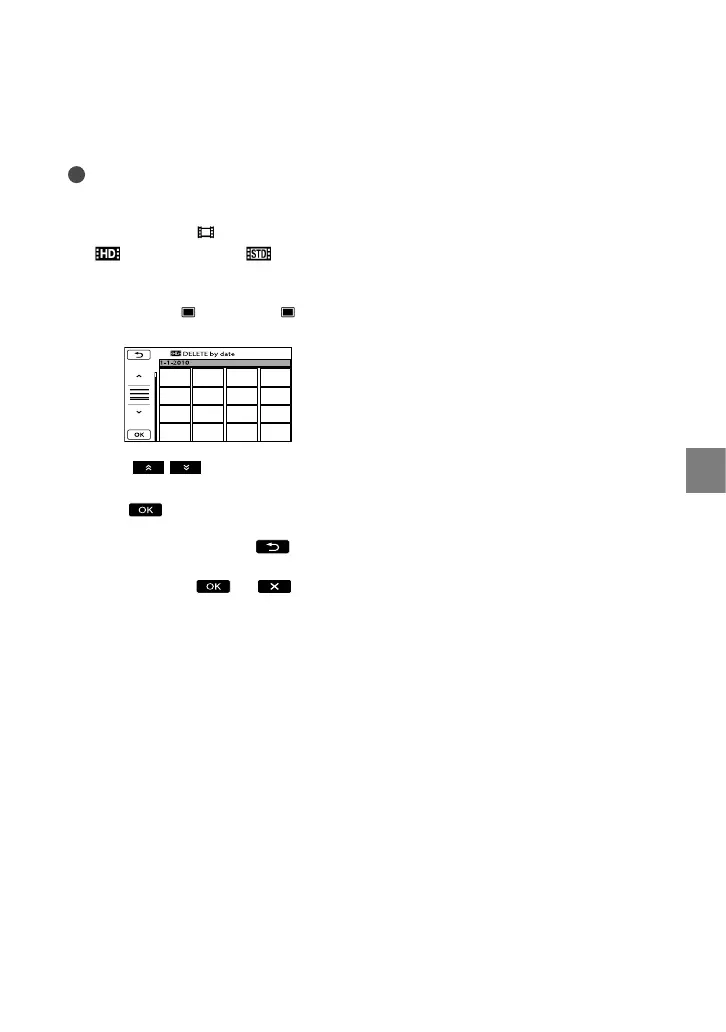
To delete all the movies/photos
recorded on the same day at one time
Notes
You cannot delete photos on memory card by
recording date.
In step 2, touch [ DELETE]
[
DELETE by date]/[ DELETE
by date].
To delete all photos on the same day at one
time, touch [
DELETE] [ DELETE
by date].
Touch / to select the recording
date of the desired movies/photos, then
touch
.
Touch the image on the LCD screen to
confirm the image. Touch
to return
to the previous screen.
Touch [YES] .






 To Next Page