74
GB
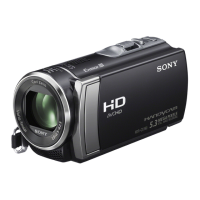
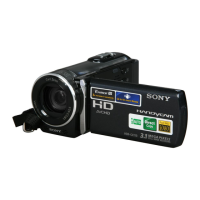
HDR-XR150E/XR155E
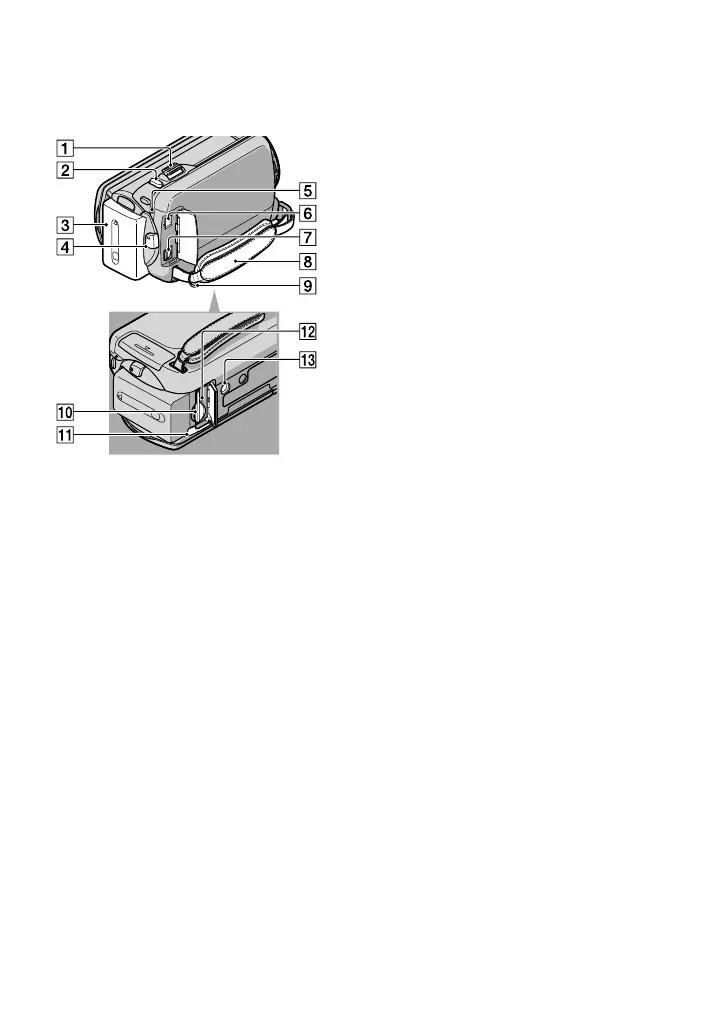
Power zoom lever
PHOTO button (25)
Battery pack (12)
START/STOP button (23)
CHG (charge) lamp (12)
DC IN jack (12)
A/V Remote Connector (29)
Grip belt (21)
Hook for a shoulder belt
Memory card slot (19)
BATT (battery) release lever (13)
Memory card Access lamp (19)
While the lamp is lit or flashing, the
camcorder is reading or writing data.
Tripod receptacle
Attach a tripod (sold separately) to the
tripod receptacle using a tripod screw (sold
separately: the length of the screw must be less
than 5.5 mm (7/32 in.)).






 To Next Page