35
Recording/Playback
GB
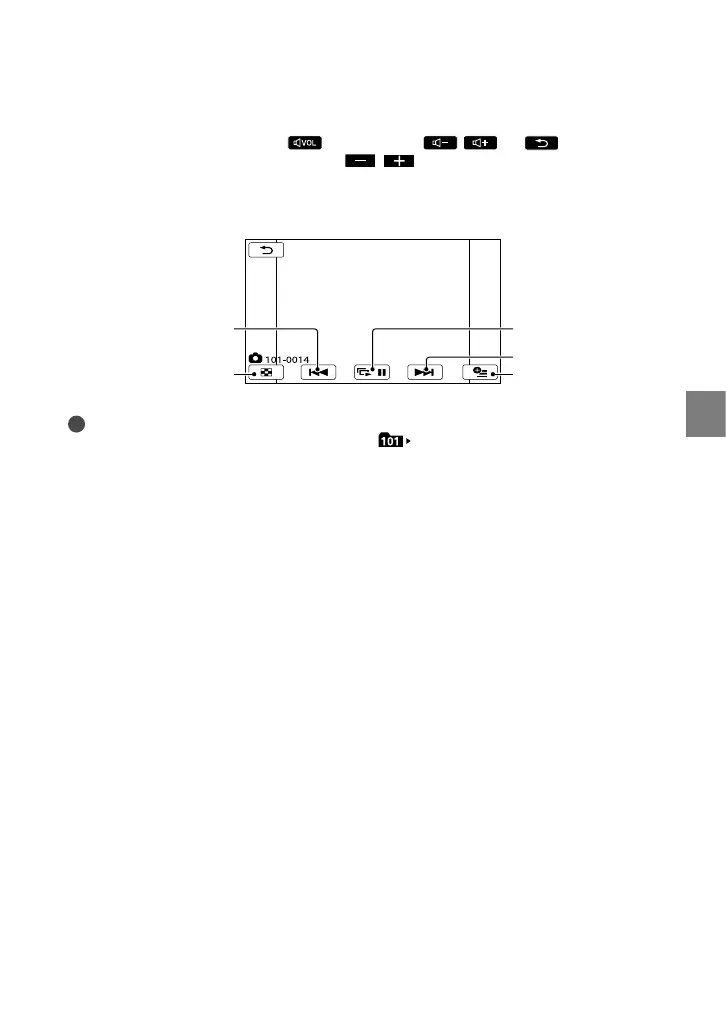
To adjust the sound volume of movies
While playing back movies, touch adjust with / .
You can also adjust the sound volume by using / in the OPTION MENU.
Viewing photos
Your camcorder displays the selected photo.
Tips
When viewing photos recorded on the memory card,
(playback folder) appears on the screen.
To start/stop slide
show
Next
OPTION MENU
Previous
To the VISUAL INDEX
screen



 To Next Page