56
GB
Adjusting the clock and the area
automatically (AUTO CLOCK ADJ/
AUTO AREA ADJ)
Your camcorder can maintain accurate
time and compensate for time difference
automatically, by acquiring time and
location information from GPS.
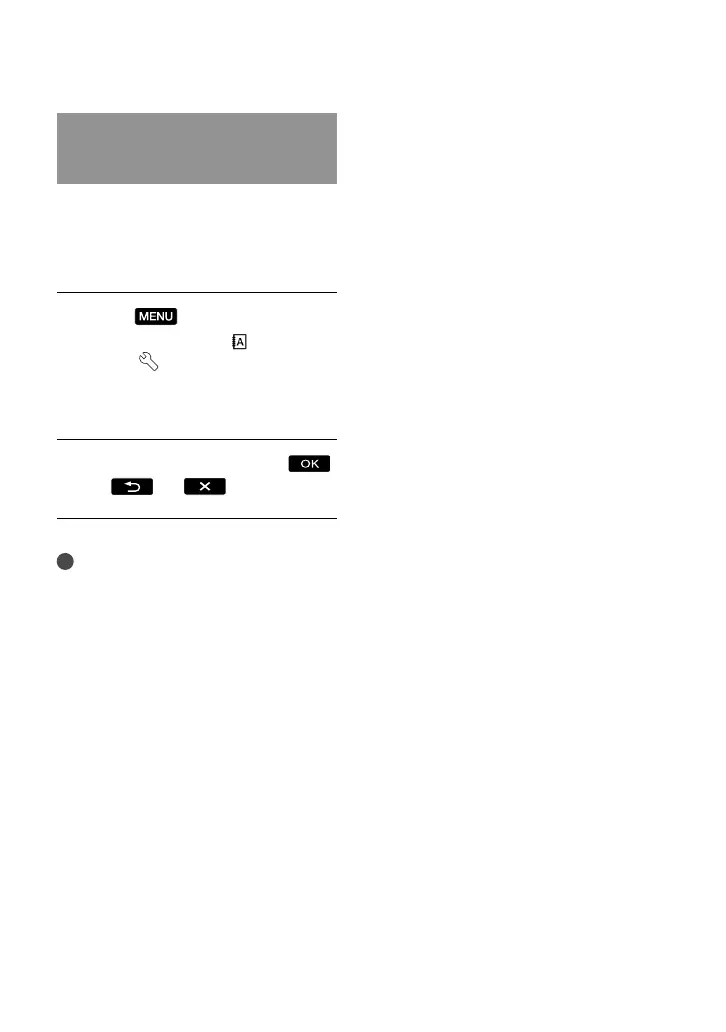
Touch
(MENU) [Show
others] [CLOCK/ LANG]
(under [GENERAL SET]
category) [AUTO CLOCK
ADJ]/[AUTO AREA ADJ].
Touch a desired setting
.
Notes
You must set the date and time on your
ca
mcorder before using your camcorder (p. 15).
There may be discrepancies of a few seconds
even if [AUTO CLOCK ADJ] is activated.
The clock is adjusted automatically by
[AUTO CLOCK ADJ] when you turn off your
camcorder if the camcorder is receiving a GPS
signal while it is being used. The clock is not
adjusted until the camcorder is turned off. Also,
the clock is not adjusted unless the camcorder
is receiving a GPS signal, even if the GPS switch
is set to ON.
The [AUTO AREA ADJ] function automatically
compensates for a time difference when it
detects a time differences with the current area.
The clock may not be adjusted to the correct
time automatically, depending on the country/
region selected for your camcorder. In this case,
set [AUTO CLOCK ADJ] and [AUTO AREA
ADJ] to [OFF].



 To Next Page