E:\sagyou\4273931611\4273931611DSCS3000E32\010G
B1.fm
master:Left
GB
8
DSC-S3000
4-273-931-61(1)
x
To remove the memory card/batteries
Memory card: Push the memory card in once.
Batteries: Be sure not to drop the batteries.
• Never open the battery/memory card cover or remove the batteries/memory card
when the access lamp (page 6) is lit. This may cause damage to data in the
memory card/internal memory.
x
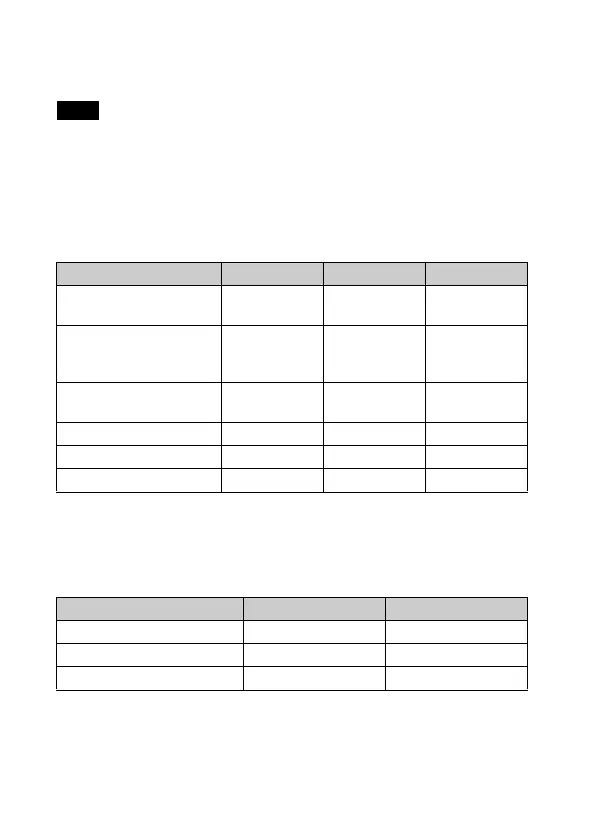
Batteries you can and cannot use with your camera
In the table below, a indicates the battery can be used, while — indicates the
one cannot be used.
* Operating performance cannot be ensured if voltage drops or other problems are
caused by the nature of the battery.
x
Battery life and number of images you can record/
view
Note
Battery type Supplied Supported Rechargeable
LR6 (size AA) alkaline
batteries
aa—
HR15/51: HR6 (size AA)
Nickel-Metal Hydride
batteries
— aa
ZR6 (size AA) Oxy Nickel
Primary batteries
— a —
Lithium batteries* — — —
Manganese batteries* — — —
Ni-Cd batteries* — — —
Battery life (min.) No. of Images
Shooting still images Approx. 100 Approx. 200
Viewing still images Approx. 350 Approx. 7000
Shooting movies Approx. 160 —



 To Next Page
 Loading...



