EasyManua.ls Logo

Sony Cyber-Shot DSC-S30 - User Manual

Sony Cyber-Shot DSC-S30
68 pages
Print Icon
To Next Page IconTo Next Page
Loading...
3-060-523-12(1)
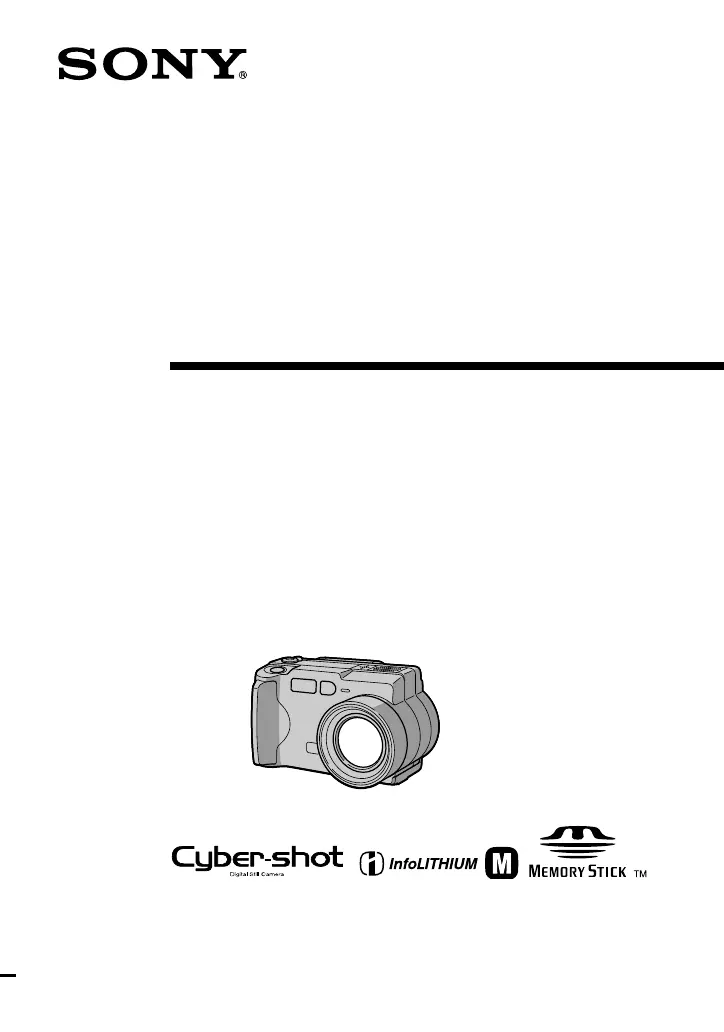
Digital Still
Camera
Operating Instructions
Before operating the unit, please read this manual thoroughly, and retain
it for future reference.
Owner’s Record
The model and serial numbers are located on the bottom. Record the
serial number in the space provided below. Refer to these numbers
whenever you call upon your Sony dealer regarding this product.
Model No.________________________
Serial No. ________________________
DSC-S30/S50
©2000 Sony Corporation
DSC-S50

Table of Contents

Other manuals for Sony Cyber-Shot DSC-S30

Questions and Answers

  • A
    Alexandra BrownAug 16, 2025
    Why doesn't the flash work on my Sony Cyber-Shot DSC-S30?
    • Y
      yhahnAug 16, 2025
      If the flash on your Sony Digital Camera isn't working, check these settings: Set the flash to auto (no indicator), or. You can also cancel the mode or set the flash to. Ensure that the camera is set to STILL mode.
  • J
    juancannonAug 19, 2025
    How to fix Sony Cyber-Shot DSC-S30 Digital Camera that does not work?
    • M
      martinmelissaSep 12, 2025
      If your Sony Digital Camera does not work, try the following: * Use an “InfoLITHIUM” battery pack. * Charge the battery pack. * Connect the camera firmly to the DC IN jack and a wall outlet. * Disconnect and then reconnect all power sources after one minute, then turn the power on.
  • T
    Tara CurryAug 22, 2025
    Why doesn't my Sony Cyber-Shot DSC-S30 display the image on the TV screen?
    • A
      Andrea BarnesAug 22, 2025
      If your Sony Digital Camera does not display the image on the TV screen, the video output signal setting of your camera might be incorrect. Change the setting.
  • C
    Carly PerryAug 25, 2025
    How to fix Sony Cyber-Shot DSC-S30 Digital Camera not recognized by computer?
    • M
      markmorganAug 26, 2025
      If your personal computer is not recognizing your Sony Digital Camera, try the following steps: Turn on the camera. Use the AC power adapter. Disconnect and reconnect the USB cable firmly, ensuring that “PC MODE” is displayed on the LCD screen. Disconnect any unnecessary USB cables, leaving only the keyboard, mouse, and camera connected.
  • A
    Aaron WestAug 28, 2025
    How to fix black and white picture on Sony Cyber-Shot DSC-S30 Digital Camera?
    • S
      stevencooperAug 28, 2025
      If your Sony Digital Camera is taking monochrome (black and white) pictures, try canceling TEXT mode. Alternatively, cancel B&W mode.
  • M
    Manuel GarciaAug 31, 2025
    Why is my Sony Cyber-Shot DSC-S30 Digital Camera picture too dark?
    • C
      Clarence BurgessAug 31, 2025
      If the picture from your Sony Digital Camera is too dark, especially when shooting a subject with a light source behind it, try adjusting the exposure. Also, you can adjust the brightness of the LCD screen.
  • B
    bmooreSep 3, 2025
    What to do if my Sony Cyber-Shot DSC-S30 Digital Camera cannot record images?
    • A
      Amy MullenSep 3, 2025
      If your Sony Digital Camera is unable to record images, make sure that the device is set to MOVIE or STILL mode. Also, ensure that a “Memory Stick” is inserted. Finally, verify that the camera is set to the recording position.
  • M
    Michele BrownSep 6, 2025
    Why is the battery life so short on my Sony Digital Camera?
    • J
      John KellySep 6, 2025
      If your Sony Digital Camera's battery life is short, especially when recording or playing back images in extremely cold temperatures, try fully charging the battery pack. If the battery pack is dead, replace it with a new one.
  • V
    vanessa28Sep 9, 2025
    Why is the battery indicator incorrect on my Sony Cyber-Shot DSC-S30 Digital Camera?
    • T
      tammywyattSep 9, 2025
      If the battery remaining indicator on your Sony Digital Camera is incorrect, especially after using the camera for a long time in an extremely hot or cold location, replace the battery pack with a new one. Also, ensure that you install a charged battery pack.
  • B
    baileysosaSep 12, 2025
    Why does the image and sound break off when playing back from my Sony Cyber-Shot DSC-S30 Digital Camera?
    • J
      Jacob McdanielSep 12, 2025
      If the image and sound break off when you play back an image from your Sony Digital Camera on a personal computer and you are playing back the file directly from the “Memory Stick,” copy the file to the hard disk of the personal computer and then play back the file from the hard disk.

Summary

Operating Instructions

Owners Record

Page for recording model and serial numbers.

Important Pre-Use Information

Camera Usage Guidelines

Notes on image data compatibility and care for LCD screen and lens.

Getting Started

Identifying Camera Parts

Identifies and describes the various parts of the camera.

Power Supply and Charging

Installing and Charging the Battery

Step-by-step guide for installing and charging the battery pack.

Powering the Camera

Using AC Power Adaptor and Car Battery

Instructions for using AC adaptor and car battery for power.

Initial Setup

Setting the Date and Time

Guide to setting the camera's internal clock and date.

Memory Stick Operations

Inserting and Removing Memory Stick

Step-by-step guide for handling the Memory Stick.

Basic Operations

Recording Still Images

Instructions for capturing still photographs.

Recording Features

Quick Image Review and Zoom

How to check last image and use zoom capabilities.

Advanced Recording Functions

Self-Timer and Screen Indicators

Using the self-timer and understanding recording screen indicators.

Flash Photography

Video Recording

Recording Moving Images (DSC-S50)

Guide for recording video with audio.

Still Image Playback

Playing Back Still Images

Steps to view recorded still images.

Moving Image Playback

Playing Back Moving Images

Guide to viewing recorded video clips.

Playback Customization

Adjusting Volume and Screen Indicators

How to adjust volume and understand playback screen indicators.

Computer Connectivity

Viewing Images on PC and System Requirements

How to view images on PC and recommended system configurations.

Software Installation

Installing the USB Driver

Instructions for installing the USB driver for PC connection.

Viewing Images on PC

Viewing Images on Windows 98

Step-by-step guide for viewing images on Windows 98.

PC Image Management Notes

File Organization

Image File Structure

Explanation of image file storage in folders.

Advanced Operations

Using Camera Controls (Mode & Control Buttons)

How to use the mode selector and control button.

Menu Settings

Changing Camera Settings

Procedure for modifying camera settings via menus.

Various Recording Modes

Face-to-Face Recording and Image Size

How to rotate LCD and set image resolution.

Email Image Recording

Special Recording Modes

Audio and Text Recording

How to add audio to stills and record text documents.

Uncompressed Image Recording (TIFF)

Macro and Focus Settings

Macro Photography and Subject Distance

Instructions for close-up shots and focus adjustment.

Program AE Functions

Using Program AE Modes

Explanation and usage of automatic exposure modes.

Exposure and White Balance Control

Adjusting Exposure and White Balance

How to manually adjust exposure and set white balance.

Image Customization Options

Date;Time Imprint and Picture Effects

Adding date/time and applying visual effects.

Various Playback Options

Index Playback

Displays multiple images for quick browsing.

Image Editing

Zooming and Trimming Images

How to enlarge, pan, and crop still images.

Image Management

Rotating Images and Slide Shows

How to rotate images and view them in a slide show.

TV Playback

Editing and Protection

Protecting Images from Deletion

How to protect images from accidental deletion.

Deleting Images

Image Resizing and Copying

Resizing and Copying Images

How to resize and copy images to another Memory Stick.

Print Marking

Additional Information and Precautions

Camera Care and Safety

Notes on cleaning, temperature, moisture, and AC adaptor safety.

Device Care and Media Handling

Battery Pack and Memory Stick Notes

Guidelines for battery pack and Memory Stick usage.

International Use and TV Output

Camera Use Abroad and TV Connection

Information on international power and TV output.

Troubleshooting Guide

Warning and Notice Messages

Self-Diagnosis Display

Technical Specifications

Screen Indicators Explained

Indicators During Recording

Explanation of icons displayed during recording.

Playback Indicator Details

Playback Screen Indicators

Explanation of icons displayed during playback.

Sony Cyber-Shot DSC-S30 Specifications

General IconGeneral
Effective Pixels3.2 MP
ISO SensitivityAuto, 100, 200, 400
Shutter Speed1/8 - 1/2000 sec
Camera typeCompact
Digital Zoom2x
Image Sensor1/2.7" CCD
LCD Screen Size1.5"
Video Recording320 x 240
Battery2 AA batteries
Supported Flash MemoryMemory Stick
LensSony 3x Optical Zoom Lens

Related product manuals