B
BB
B
Various recording
41
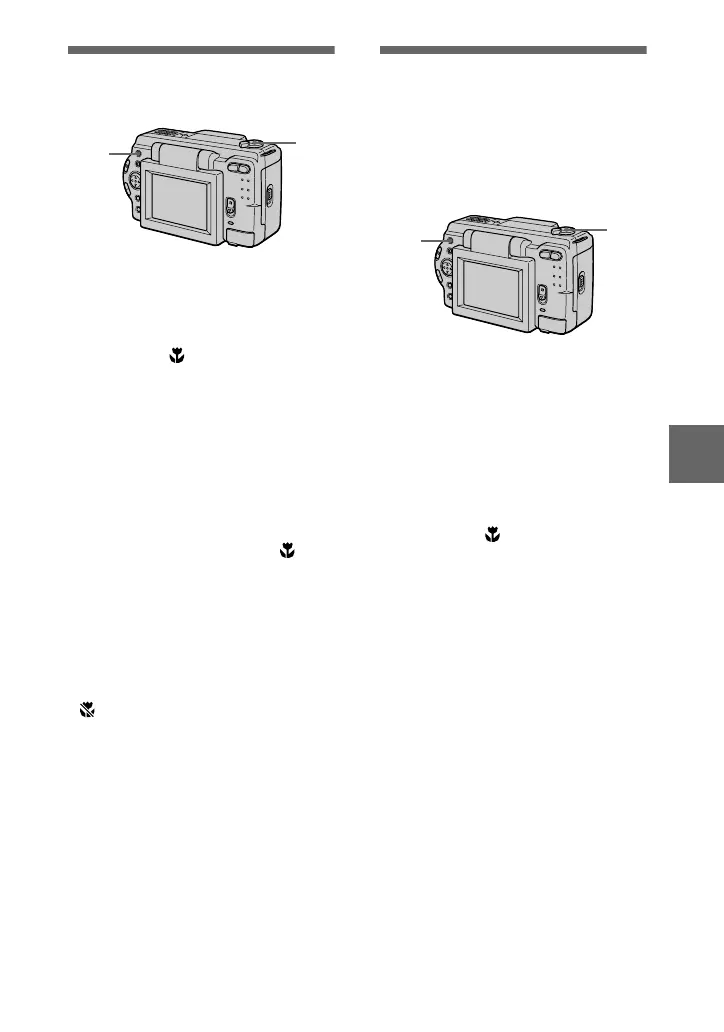
Recording images in
macro
1
Set the MODE selector to
MOVIE or STILL.
2
Press FOCUS repeatedly
until the
(auto macro)
indicator appears on the LCD
screen.
You can record a subject as close
as about 1 3/16 inches (3 cm) from
the lens surface with the zoom set
all the way to the W side.
To return to normal
recording mode
Press FOCUS repeatedly until
disappears from the LCD screen.
Notes
•
You cannot record images in macro with
the following PROGRAM AE modes.
— Landscape mode
—Panfocus mode
•
You cannot record images in macro when
appears on the LCD screen.
2
1
Setting the distance
to the subject
Normally the focus is automatically
adjusted. This function is useful when
the auto focus does not work well such
as in dark places.
1
Set the MODE selector to
MOVIE or STILL.
2
Press FOCUS repeatedly to
achieve a sharp focus.
The 9 (manual focus) indicator
appears on the LCD screen.
You can select from the following
7 focus settings: auto (no
indicator), (auto macro),
1 3/4 feet (0.5m), 3 1/4 feet
(1.0m), 9 3/4 feet (3.0m), 23 feet
(7.0m), ∞ (infinite)
To reactivate auto focusing
Press FOCUS repeatedly until the
indicator disappears in step
2
.
Note
These setting distances are approximate, and
should be used as a reference.



 To Next Page
 Loading...





