40
Recording
uncompressed
images (TIFF)
This mode simultaneously records still
images in both TIFF format
(uncompressed) and JPEG format
(compressed).
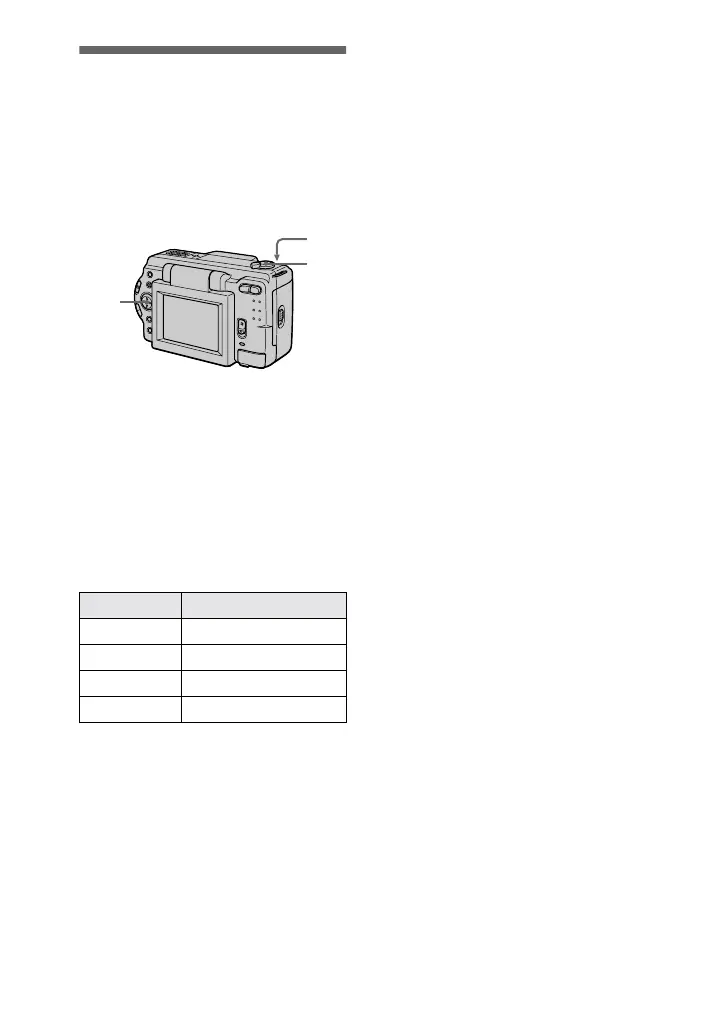
1
Set the MODE selector to
STILL.
2
Select [FILE], [REC MODE],
and then [TIFF] from the
menu.
3
Record the image.
The number of images that you can
record on a “Memory Stick”
(16 MB) in TIFF mode:
To return to normal
recording mode
Select [NORMAL] in step
2
.
Image size Number of images
1600×1200 Approx. 2
1600 (3:2) Approx. 2
1280×960 Approx. 3
1280 (3:2) Approx. 3
2
1
3
Notes
•
JPEG images are recorded in the image
size selected by the [IMAGE SIZE] menu.
TIFF images are recorded in [1600×1200]
size in DSC-S50, and [1280×960] size in
DSC-S30 other than when [1600 (3:2)] or
[1280 (3:2)] is selected.
•
Writing data takes more time than in
normal recording.
•
The supplied “Memory Stick” (4 MB)
does not have sufficient capacity to record
uncompressed images.


 To Next Page
 Loading...






