38
The number of images or the time
that you can record on a “Memory
Stick” (4 MB):
∗
When [REC MODE] is set to
[NORMAL].
∗∗
Numbers in parentheses indicate the
maximum recording time during
continuous recording.
Image size Number of images or
time*
1600×1200 Approx. 4
1600 (3:2) Approx. 4
1472×1104 Approx. 5
1280×960 Approx. 6
1280 (3:2) Approx. 6
1024×768 Approx. 10
640×480 Approx. 57
320×240 Approx. 42 (15**) sec.
160×112 Approx. 169 (60**) sec.
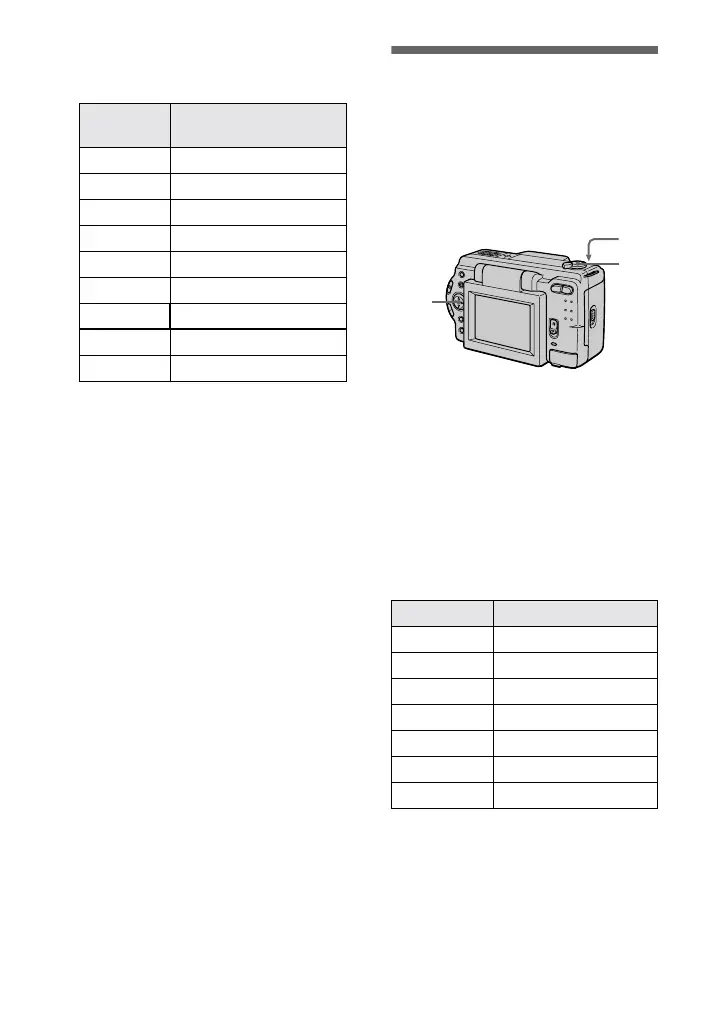
Recording still
images for e-mail (E-
MAIL)
E-MAIL mode records a small-size
(320×240) image at the same time as a
still image. Small-size images are
convenient for e-mail transmission, etc.
1
Set the MODE selector to
STILL.
2
Select [FILE], [REC MODE],
and then [E-MAIL] from the
menu.
3
Record the image.
The number of images that you can
record on a “Memory Stick” (4 MB)
in E-MAIL mode.
To return to normal
recording mode
Select [NORMAL] in step
2
.
Image size Number of images
1600×1200 Approx. 3
1600 (3:2) Approx. 3
1472×1104 Approx. 4
1280×960 Approx. 5
1280 (3:2) Approx. 5
1024×768 Approx. 9
640×480 Approx. 46


 To Next Page
 Loading...






