18
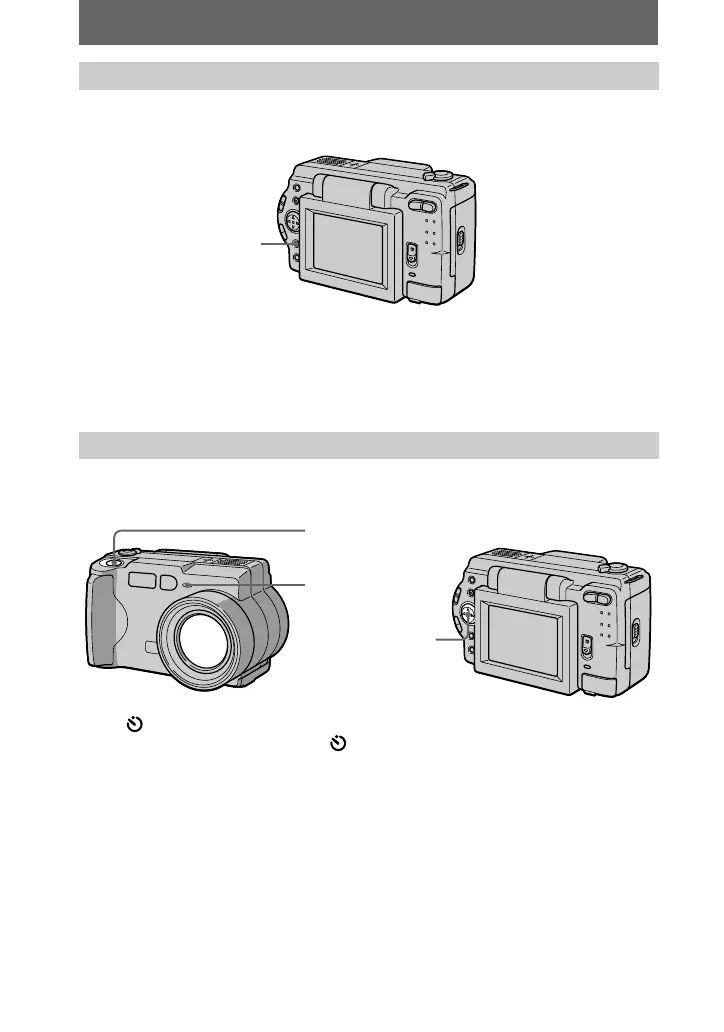
Press DISPLAY to turn on/off the indicators on the LCD screen.
See page 64 for a detailed description of the indicated items.
Notes
•
You cannot turn off the self-timer indicators and some of the indicators used in advanced
operations.
•
The indicators on the LCD screen are not recorded.
When you use the self-timer function, the subject is recorded about 10 seconds after
you press the shutter button.
Select (self-timer) indicator on the LCD screen with
v
/
V
/
b
/
B
on the control
button, then press the center
z
. The (self-timer) indicator appears on the LCD
screen, and about 10 seconds after you press the shutter button, the subject is
recorded. The self-timer lamp flashes after you press the shutter button until the
shutter is released.
LCD screen indicators during recording
Using the self-timer
DISPLAY
Control button
Shutter button
Self-timer lamp



 To Next Page
 Loading...





