3 Turningthe cameraon/settingthe clock
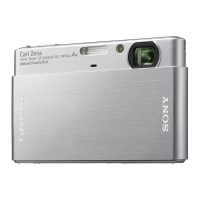
_1) Select a with the mode switch, then press the POWER button or slide the
lens cover downward.
I_ Set the clock with the control button.
1 Select the date display format with A/V, then press 0.
2 Select each item with 411_ and set tile immeric value with A/V, then press 0.
3 Select [OK] with P,', then press 0.
_To change the date and time
Select [Clock Set] in the _ (Sctup/screen (page 20).
_When you turn on the power
• Unless you set the clock, the Clock Set screen appears each time the camera is turned on.
• If the camera is running on battery power and you do not operate the camera for about three
minutes, the camera turns off automatically to prevent wearing down the battery pack/Auto
power<HT function).
12



 To Next Page
 Loading...