Table of
contents
Operation
Search
MENU/Settings
Search
Index
71
GB
Easy Mode
When viewing still images in Easy Mode, the playback screen text becomes larger, indicators
become easier to see, and fewer functions can be used.
1 Press the (Playback) button to switch to
playback mode.
2 t (Easy Mode) t [OK]
• The battery charge is used up more quickly because the screen brightness increases automatically.
• The shooting mode also changes to [Easy Mode].
Notes
zFunctions available in Easy Mode (Viewing)
• When a memory card is inserted in the camera, [View Mode] is set to [Date View].
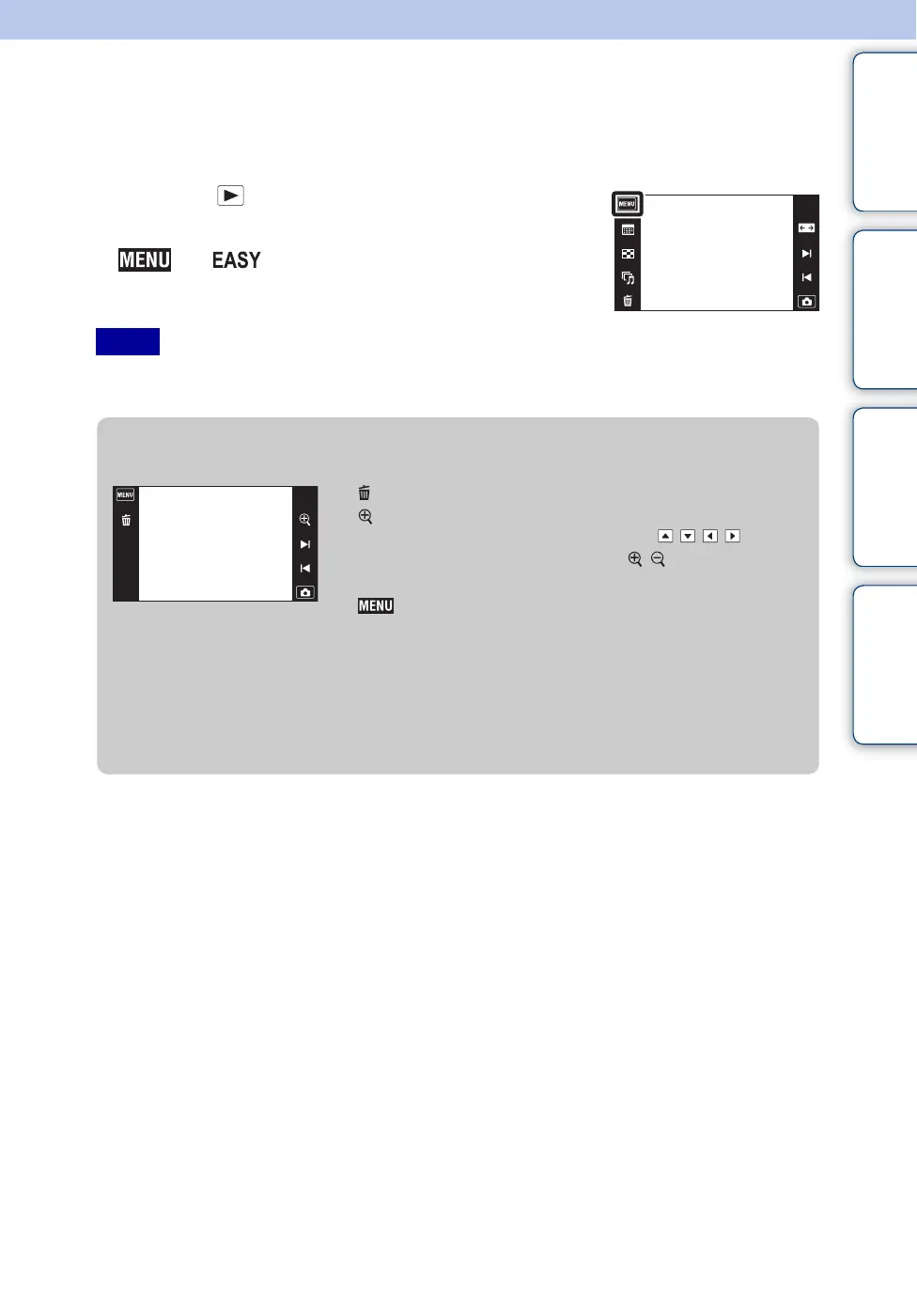
(Delete) : Deletes the currently displayed image.
(Zoom) : Enlarges the displayed image.
•Drag up, down, right or left, or touch /// to
change the zoom position. Touch / to change the
zoom magnification.
:
Touch [Delete Single Image] to delete the currently
displayed image.
Touch [Delete All Images] to delete all images in that date
range or folder.
Touch [Exit Easy Mode] to exit Easy Mode.



 To Next Page
 Loading...




