— 10 —
SECTION 4
SERVICE MODE
Service Mode (Service program)
The equipment is provided with a service program built in the
microcomputer, like conventional models.
Service program operation methods are described in the following.
Description in [ ] indicate major operations in the service
mode. For more informatrion, see Step 2.
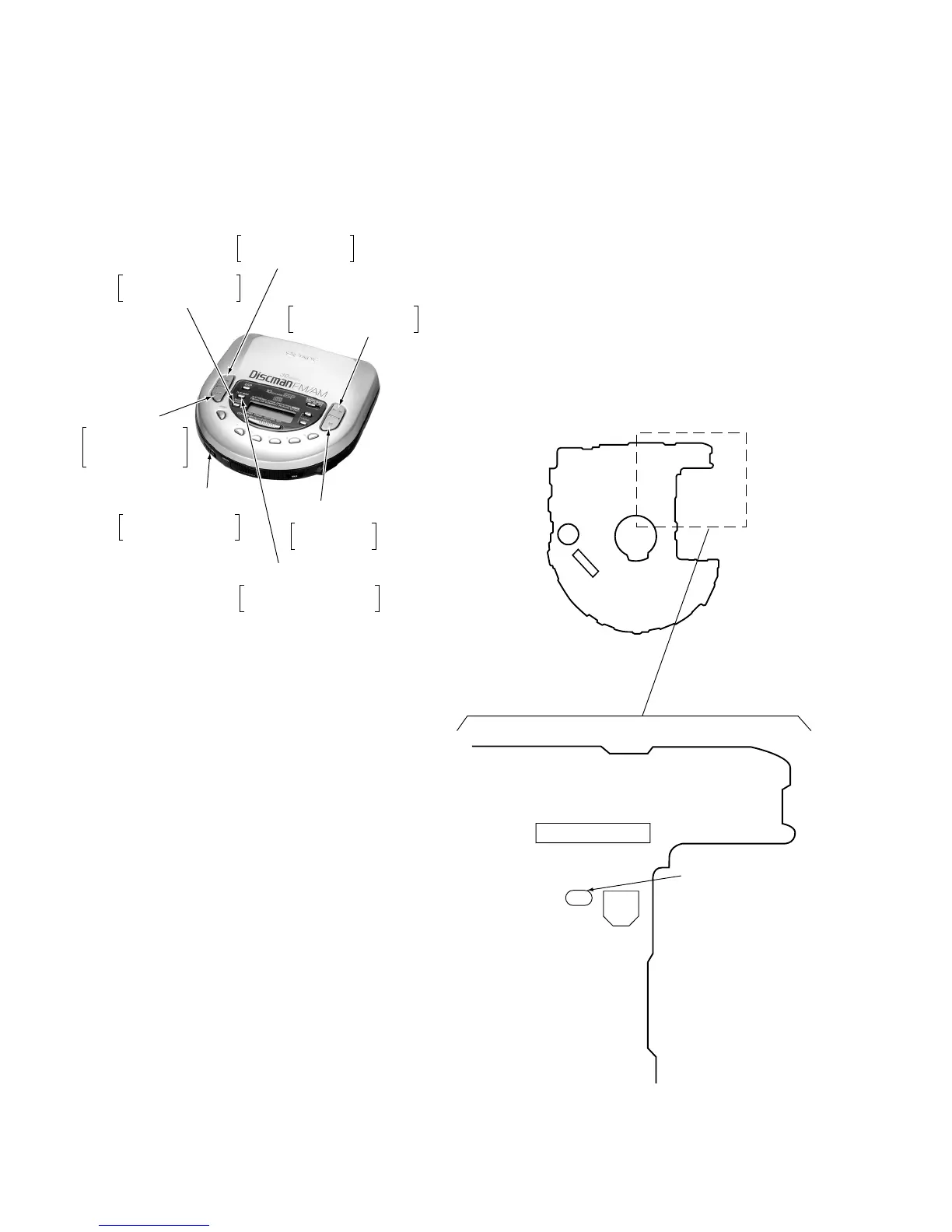
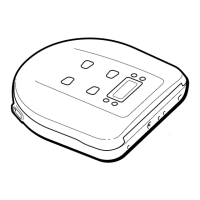
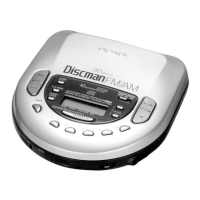
Fig. 1 Layout of each key
• Step 1 (Service mode setting methods)
1. Turn OFF the HOLD switch with external power supply
disconnected (power is not applied to the set).
2. Solder across the TEST terminals (TAP802) (pin %¢, IC801
(TEST) is grounded).
3. Connect an external power supply.
Thus, the set is switched to the service mode.
• Step 2 (Operation in the service mode)
1. Once the service mode is effected, the LCD display 5 indications
each of which is repeatedly displayed.
However, the following oprations can be activated even if LCD
indication is effected.
2. By pressing the + or = key, the optical pick-up is movable
inwardly or outwardly. However, if this is activated, tracking
servo and sled servo are turned OFF, so it can be turned ON by
pressing the PLAY MODE key if required.
3. By pressing the REPEAT/ENTER key, the tracking gain-up
mode becomes active.
4. By pressing the ^ key, focus is turned ON from focus
searching while entering CLV-S (pull-in mode).
Without disk, focus searching is repeated continuously.
5. By-pressing the PLAY MODE key, tracking servo, sled servo
and CLV-A (servo in PLAY) are turned ON.
6. When 4. an 5. are performed, playing begins. No muting is ON
in the service mode.
7. By pressing the p key, all servos (focus, tracking and sled) are
turned OFF. However, the disc motor revolver for a while by
inertia.
• Step 3 (Resetting of service mode)
1. Be sure to disconnect the external power supply and remove
the solder bridge at the TEST terminals connected before in
setting.
2. The set thus becomes available for normal operation.
—CD BOARD— (Component Side)
PLAY MODE
Tracking servo and sled
servo are turned ON
HOLD OFF
→
ON
Be sure to turn OFF
the HOLD switch
(If ON, pressing each
key is deactivated)
REPEAT/ENTER
Tracking gain-up
mode while pressing
=
(FR)
The optical
pick-up is moved
inwardly
+
(FF)
The optical pick-up
is moved outwardly
^
(PLAY/PAUSE)
Focus is turned ON to
effect draw-in mode
p
(STOP)
All servos are
turned OFF
TAP802
(TEST)
CN801
C409


 To Next Page