1
Detach the nano SIM card slot cover.
2
Using a fingernail or other similar object, drag the nano SIM card holder out.
3
Remove the nano SIM card.
4
Insert the nano SIM card holder back into its slot.
5
Re-attach the cover.
To Remove the Memory Card
1
Turn off the device and detach the memory card slot cover.
2
Push the memory card inward, and then release it immediately.
3
Draw the memory card fully outward and remove it.
4
Re-attach the cover.
You can also remove the memory card without turning the device off as described in step 1.
To use this method, you must first unmount the memory card. Tap Settings > Storage, then
tap beside SD card, and then follow the rest of the instructions above.
Screen Protection
Before using your device, remove the protective film by pulling up on the protruding tab.
It is recommended to protect your device with a Sony-branded screen cover or a
protector intended for your Xperia™ model. The use of third-party screen protection
accessories may prevent your device from working correctly by covering sensors, lenses,
speakers, or microphones and can invalidate the warranty.
Starting Your Device for the First Time
It is recommended that you charge the battery for at least 30 minutes before starting up
your device for the first time. You can still use your device while it is charging. For more
information on charging, see
Charging Your Device
on page 35.
The first time you start your device, a setup guide helps you to configure basic settings,
personalize your device, and sign in to your accounts, for example a Google™ account.
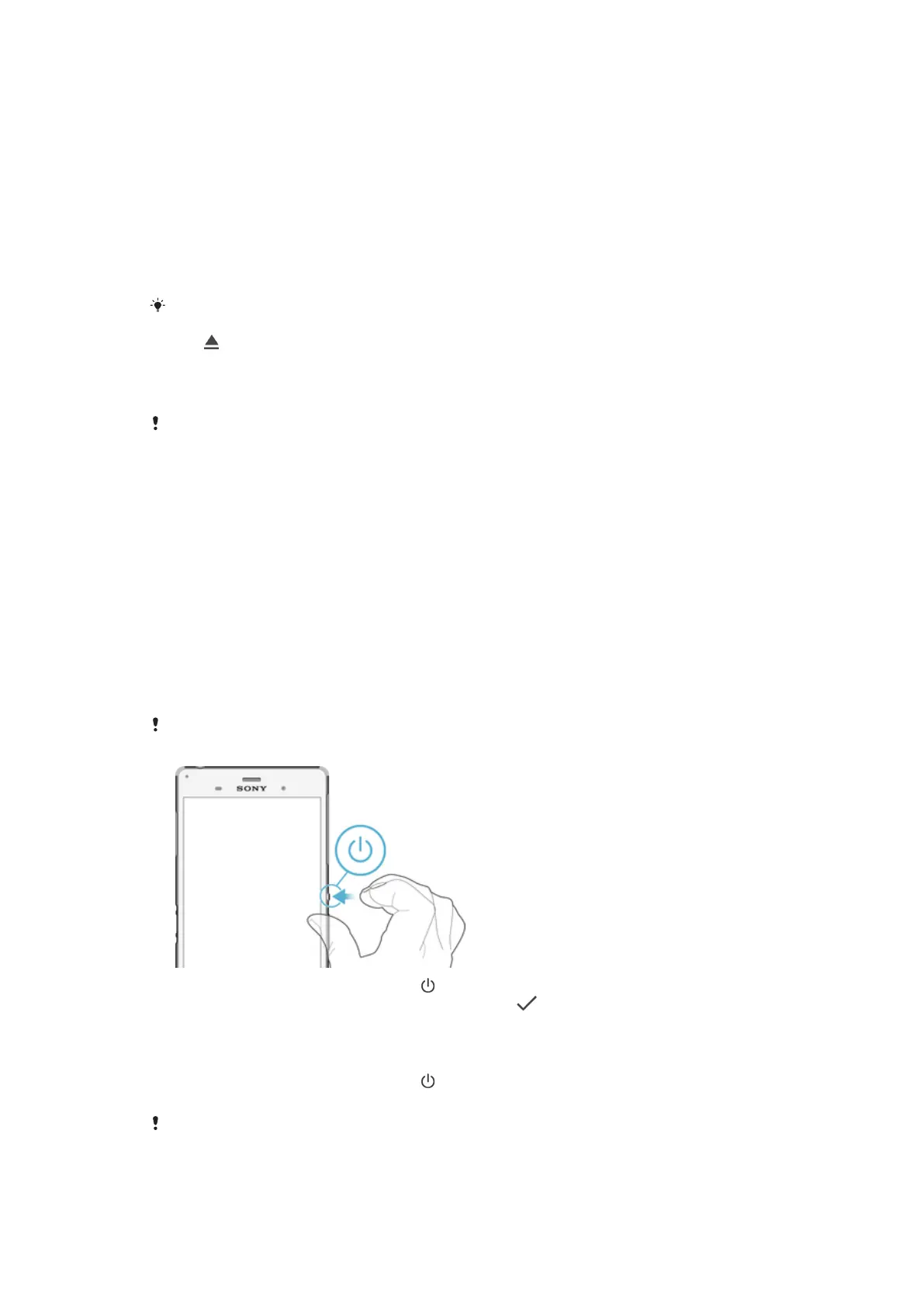
To turn on the device
Make sure that the battery is charged for at least 30 minutes before you turn on the device for
the first time.
1
Press and hold down the power key
until the device vibrates.
2
Enter your SIM card PIN when requested, then tap .
3
Wait a while for the device to start.
To Turn off the Device
1
Press and hold down the power key
until the options menu opens.
2
In the options menu, tap Power off.
It may take a while for the device to shut down.
10
This is an internet version of this publication. © Print only for private use.



 To Next Page