44
GB
About audio signals
Audio signals recorded in a disc contain the
sound elements (channels) shown below. Each
channel is output from a separate speaker.
• Front (L)
• Front (R)
•Center
• Surround (L)
• Surround (R)
• Surround (Monaural): This signal can be either
the Dolby Surround Sound processed signals
or the Dolby Digital sound’s monaural
Surround audio signals.
• LFE (Low Frequency Effect) signal
Some DVD-Rs/DVD-RWs in VR (Video
Recording) mode have two types of titles for
playback: originally recorded titles
([ORIGINAL]) and titles that can be created on
recordable DVD players for editing ([PLAY
LIST]). You can select the type of title to be
played.
1 Press DISPLAY when the system is
in stop mode.
The Control Menu appears.
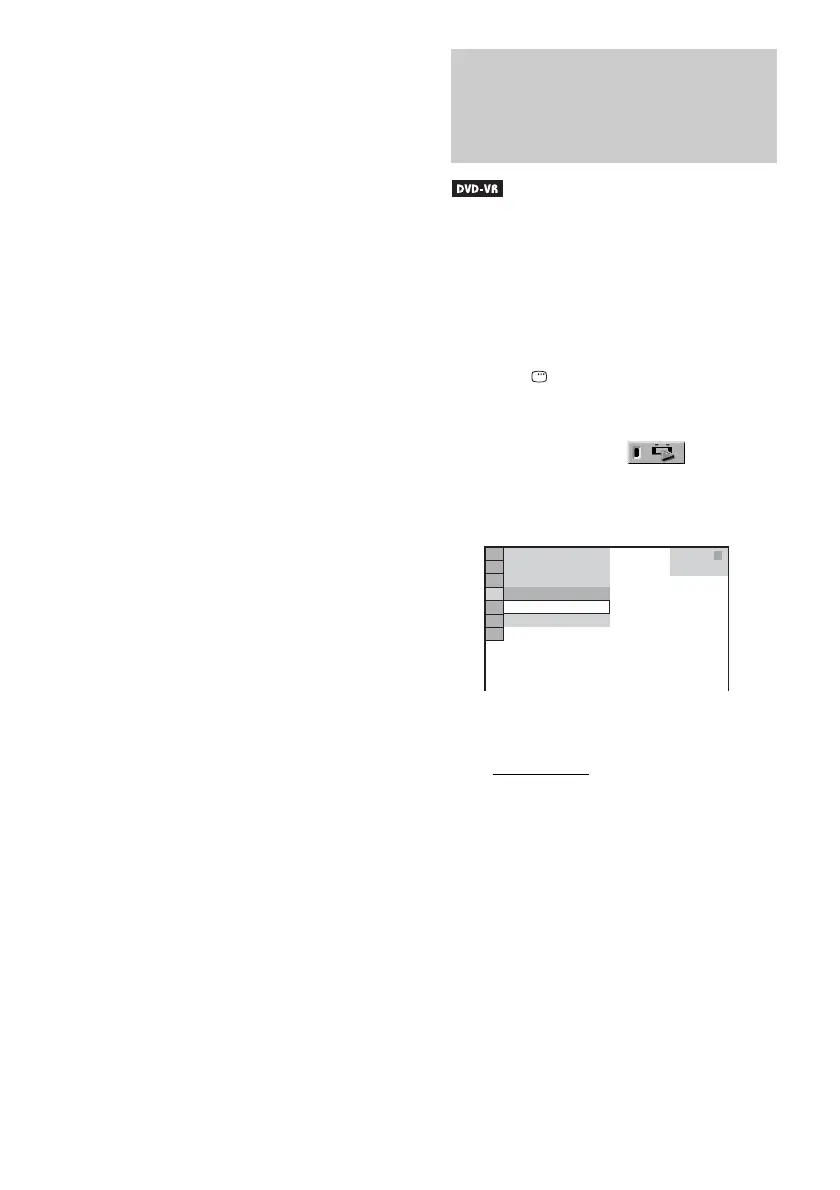
2 Press X/x to select [ORIGINAL/
PLAY LIST], then press ENTER.
The options for [ORIGINAL/PLAY LIST]
appear.
3 Press X/x to select a setting.
The default setting is underlined.
• [PLAY LIST]
: plays the titles created
from [ORIGINAL] for editing.
• [ORIGINAL]: plays the titles originally
recorded.
4 Press ENTER.
Selecting [ORIGINAL] or
[PLAY LIST] on a DVD-R/
DVD-RW
3
(
2 8
)
1
(
4 4
)
DVD-VR
T
1 : 3 0 : 5 0
PLAY LIST
PLAY LIST
ORIGINAL



 To Next Page