Additional Information
91
GB
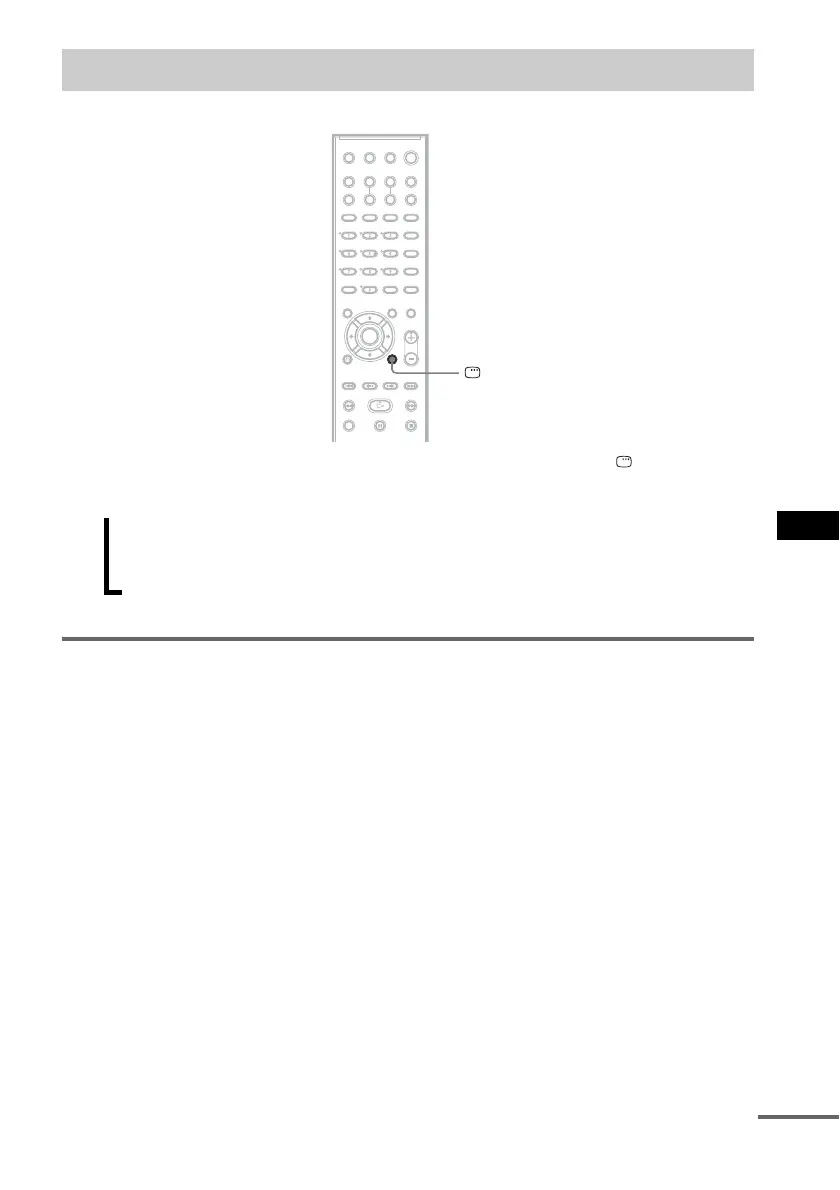
Use the Control Menu to select a function and to view related information. Press DISPLAY
repeatedly to turn on or change the Control Menu display as follows:
Control Menu display
The Control Menu display 1 and 2 will show different items depending on the disc type. For details
about each item, see the pages in parentheses.
Example: Control Menu display 1 when playing a DVD VIDEO.
Guide to the Control Menu Display
DISPLAY
Control Menu display 1
m
Control Menu display 2 (appears for certain discs only)
m
Control Menu display off
,
continued



 To Next Page