59
Additional Information
Self-diagnosis Function
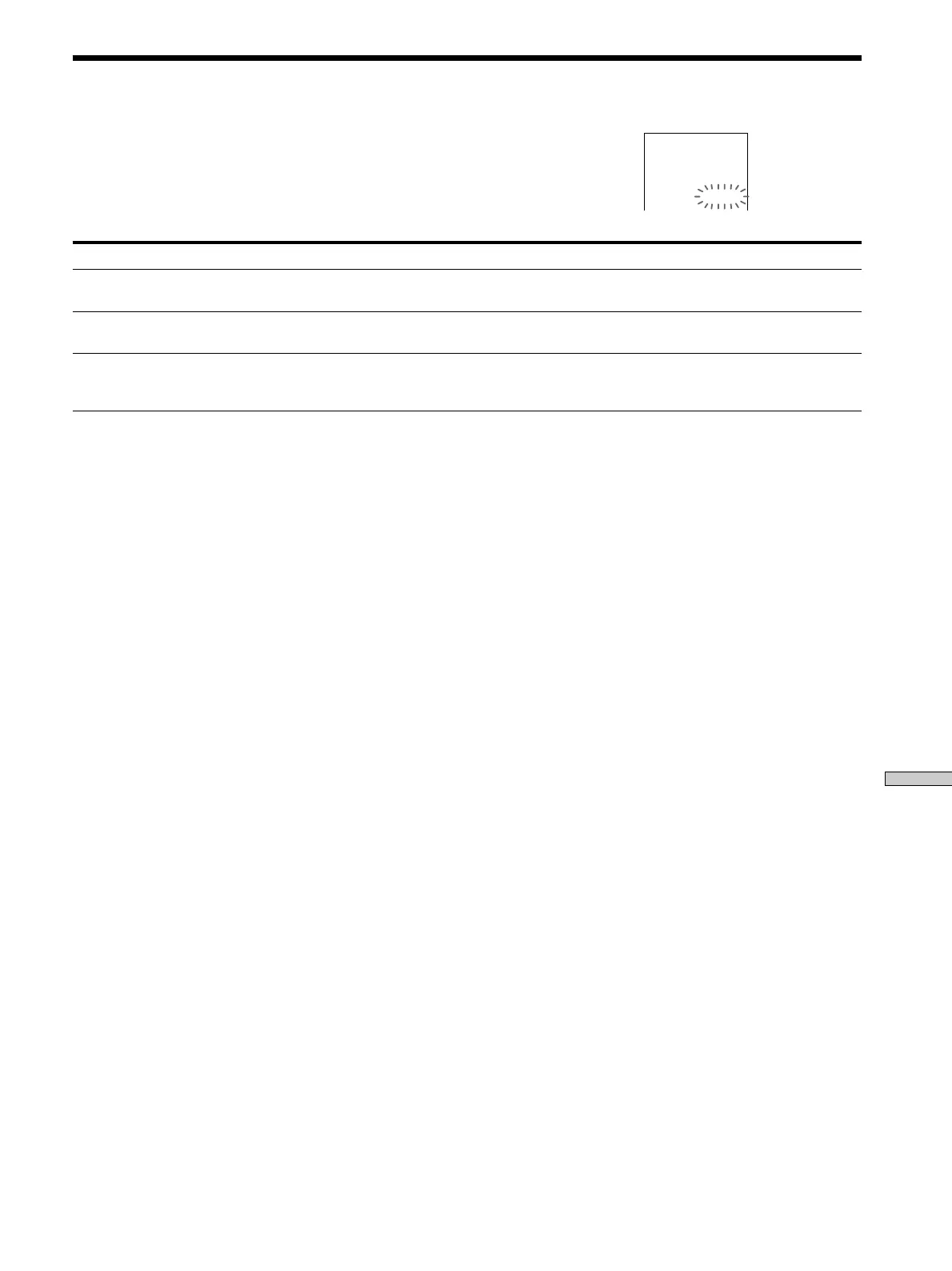
When the self-diagnosis function works to prevent the system from
malfunctioning, a five-character service number (combination of a letter and
digits) flashes on the screen or the front panel display depending on the cause.
In this case, check the following table.
First three characters
C 13
C 31
E xx (xx is any number)
Cause and/or Corrective Action
• The disc is dirty.
, Clean the disc with a cleaning cloth (page 6).
• The disc is not inserted correctly.
, Open the disc tray and insert the disc correctly.
• To prevent the system from malfunctioning, the self-diagnosis function has worked.
, When you contact your Sony dealer or local authorized Sony service facility, give
the 5-character service number. (example: E 61 10)


 To Next Page