70
GB
You can change the brightness of the front panel
display by two steps.
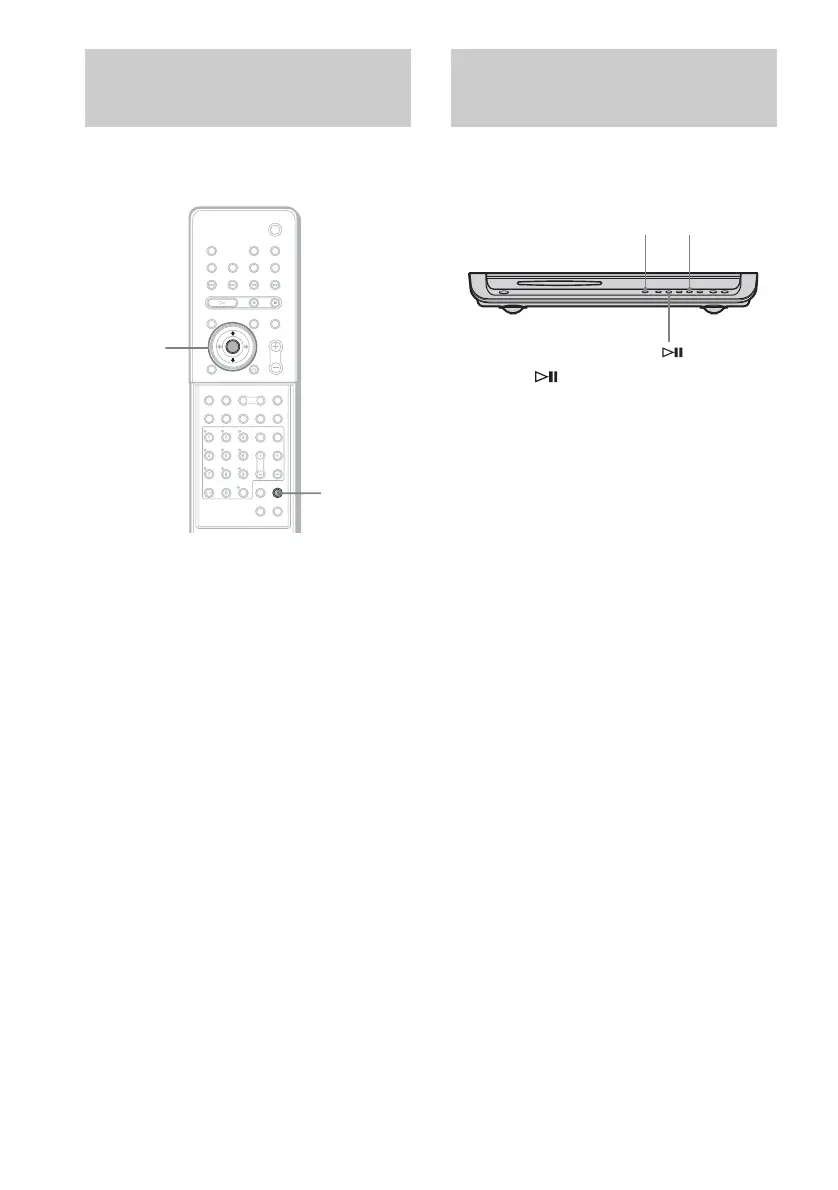
1 Press AMP MENU.
2 Press x/X repeatedly until
“CUSTOMIZE” appears in the front
panel display, then press ENTER or c.
The system enters the Customize Menu
mode.
3 Press x/X repeatedly until “DIMMER”
appears in the front panel display, then
press ENTER or c.
4 Press x/X to select the brightness of
the front panel display.
5 Press AMP MENU.
Turns off the AMP menu.
You can return the system parameters such as
speaker settings and preset stations, to the
default settings.
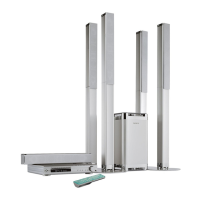
Press ., , or Z, on the system at the same
time.
“COLD RESET” appears in the front panel
display and the default settings are returned.
Changing the Brightness
of the Front Panel Display
AMP MENU
C/X/x/c/
ENTER
With cover opened.
Returning to the Default
Settings
.
Z



 To Next Page