149
Troubleshooting Поиск и устранение неисправностей
English
Self-diagnosis display
Five-digit display Cause and/or Corrective Actions
• You are using a battery pack that is not an “InfoLITHIUM”
battery pack.
c Use an “InfoLITHIUM” battery pack.
• Moisture condensation has occurred.
c Remove the cassette and leave your camcorder for at least 1
hour to acclimatize (p. 169).
• The video heads are dirty.
c Clean the heads using the cleaning cassette (optional)
(p. 170).
• A malfunction other than the above that you can service has
occurred.
c Remove the cassette and insert it again, then operate your
camcorder.
c Disconnect the mains lead of the AC adaptor or remove the
battery pack. After reconnecting the power source, operate
your camcorder.
• A malfunction that you cannot service has occurred.
c Contact your Sony dealer or local authorized Sony service
facility and inform them of the 5-digit code. (example:
E:61:10)
If you are unable to rectify the problem even if you try corrective actions a few times, contact your
Sony dealer or local authorized Sony service facility.
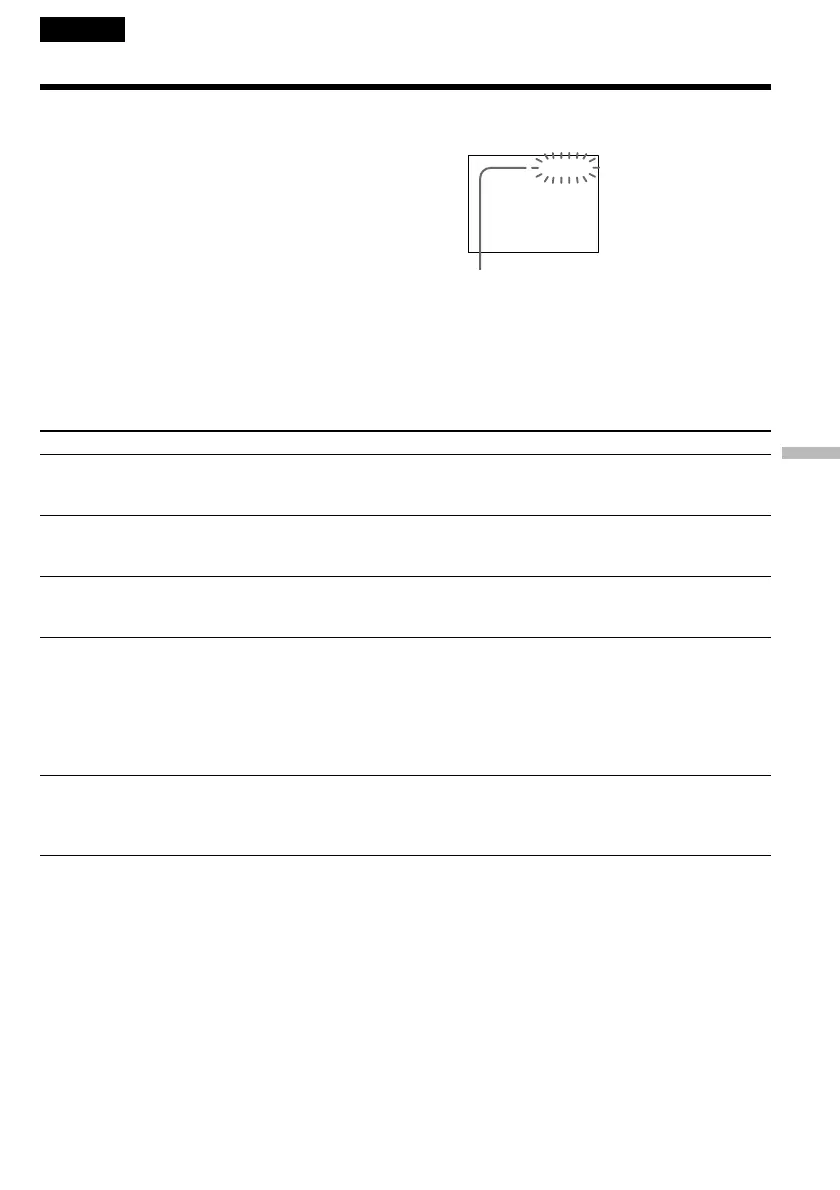
Your camcorder has a self-diagnosis display
function.
This function displays the current condition of
your camcorder as a 5-digit code (a combination of
a letter and figures) on the screen. If a 5-digit code
is displayed, check the following code chart. The
last 2 digits (indicated by ss) will differ
depending on the state of your camcorder.
C:21:ss
E:61:ss
E:62:ss
C:31:ss
C:32:ss
C:04:ss
C:22:ss
C:21:00
LCD screen or Viewfinder
Self-diagnosis display
•C:ss:ss
You can service your camcorder
yourself.
•E:ss:ss
Contact your Sony dealer or local
authorized Sony facility.















 To Next Page