DR-BT100CX_4-130-037-11(1)
9
GETTING STARTED
Location and Function of Parts
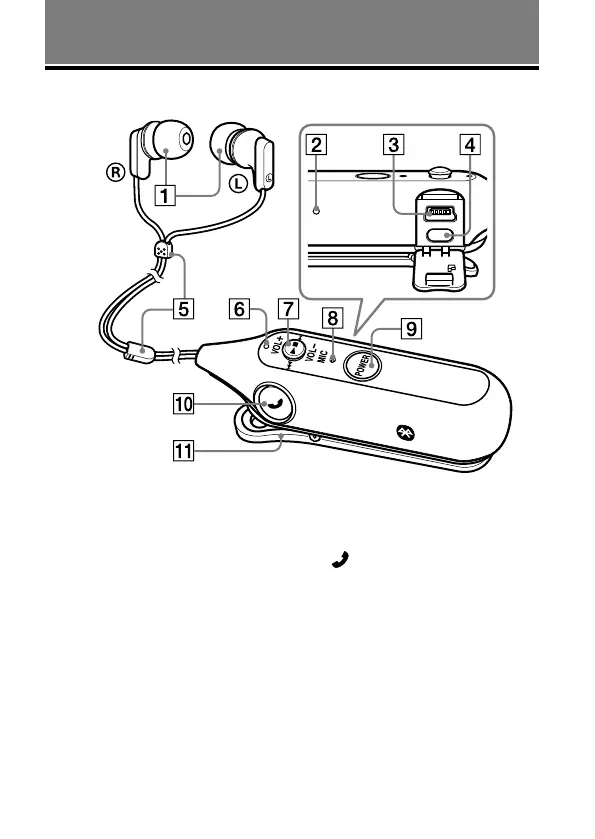
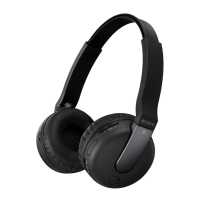
Headphones
RESET button
USB(
) jack
PAIRING button
Cord slider
Indicator (blue) (red)
Indicate the communication
status (blue) or power status (red)
of the unit.
Jog switch
Controls various functions when
listening to music.
Adjust the volume of this unit
when talking over the telephone.
Microphone
POWER button
Multi function button
Controls various call functions.
Clip



 To Next Page