26
US
Initializing the
unit
You can reset this unit to its default
(such as volume setting) and delete
all pairing information.
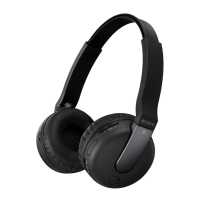
1 If this unit is turned on,
press and hold the
POWER button for
about 3 seconds to turn
off this unit.
2 Press and hold the
POWER button and
multi function button
together for about
7 seconds.
The indicator (blue) and
indicator (red) flash together
four times, and this unit is reset
to the default setting. All pairing
information is deleted.


 To Next Page