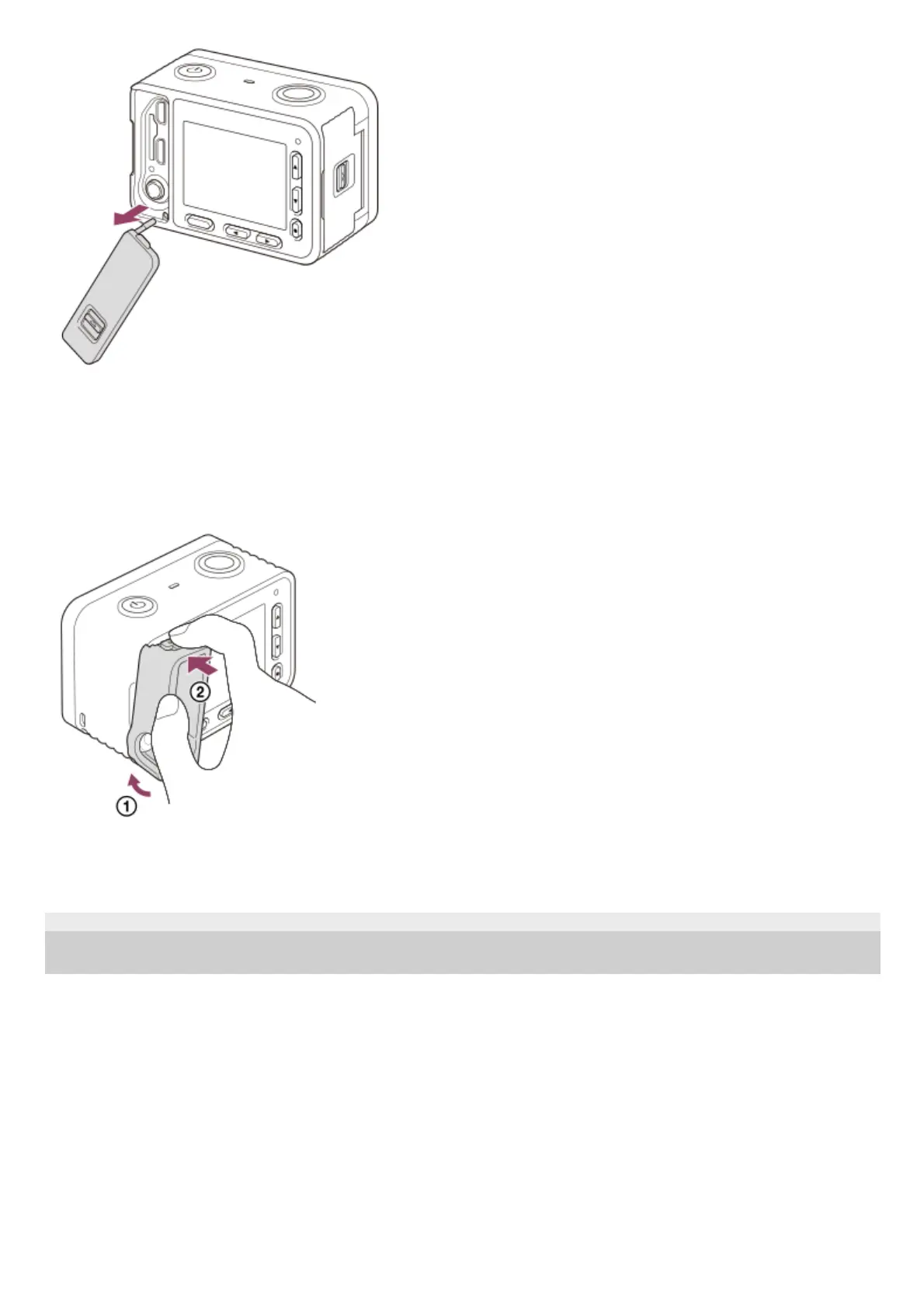
To reattach the memory card/connector cover, insert it into the camera.
Memory card protector
Attach the memory card protector when you use the camera with an HDMI cable, micro USB cable, or external
microphone connected. The memory card protector prevents memory card access errors when the memory card is
accidentally loosened due to vibration or shock, etc.
To remove the memory card protector, pull it out while pressing the holding parts on the top and the bottom of the
protector.
4-698-613-11(1) Copyright 2017 Sony Corporation












 To Next Page