Help Guide
Digital Still Camera
DSC-RX0
4K Still Image PB
Outputs still images in 4K resolution to an HDMI-connected TV that supports 4K.
Note
This menu is only available with 4K-compatible TVs. For details, refer to the operating instructions of the TV.
4-698-613-11(1) Copyright 2017 Sony Corporation
Turn off this product and the TV.
1
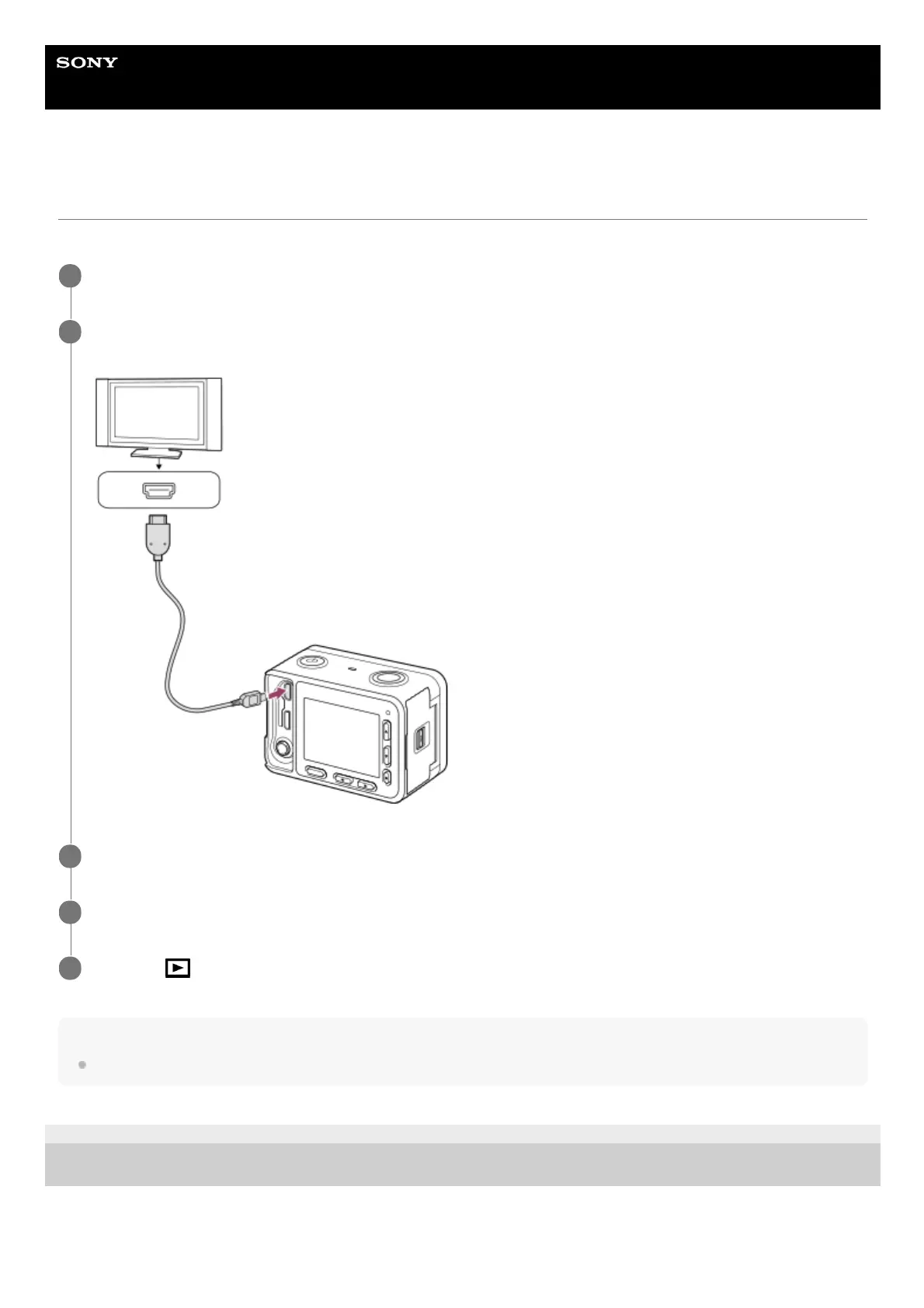
Connect the HDMI micro terminal of this product to the HDMI jack of the TV using an HDMI cable (sold
separately).
2
Turn on the TV and switch the input.
3
Turn on this product.
4
MENU →
(Playback) → [4K Still Image PB] → [OK].
5












 To Next Page