Help Guide
Digital Still Camera
DSC-RX0
Connecting the product to a computer
Related Topic
USB Connection
USB LUN Setting
4-698-613-11(1) Copyright 2017 Sony Corporation
Insert a sufficiently charged battery pack into the product.
1
Turn on the product and the computer.
2
Check that [USB Connection] under
(Setup) is set to [Mass Storage].
3
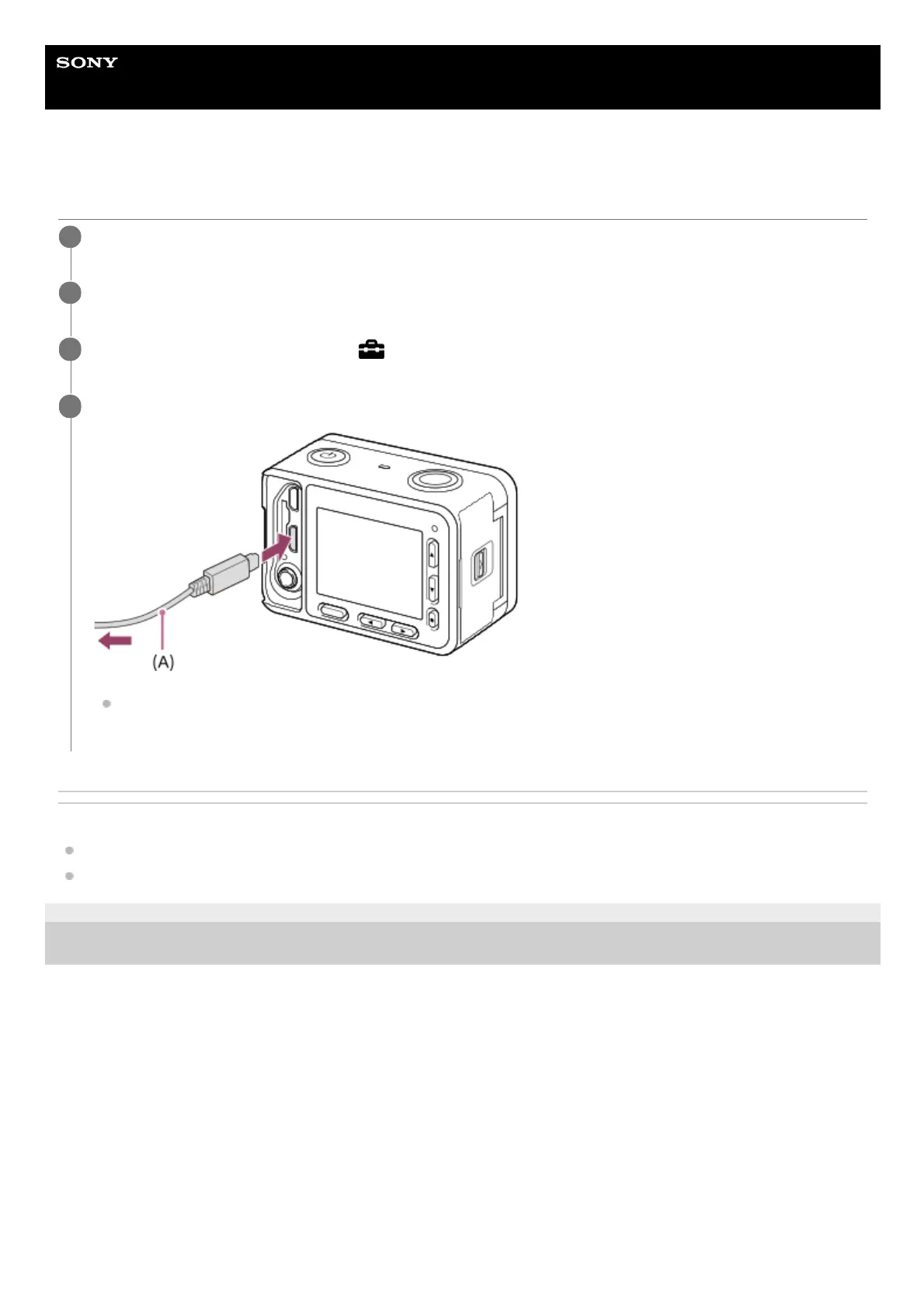
Connect the product and your computer using the micro USB cable (supplied) (A) .
If you connect the product to your computer using the micro USB cable when [USB Power Supply] is set to
[On], power is supplied from your computer. (Default setting: [On])
4












 To Next Page