Help Guide
Digital Still Camera
DSC-RX0
Removing the battery pack
Explains how to remove the battery pack.
4-698-613-11(1) Copyright 2017 Sony Corporation
Make sure that the access lamp is not lit, and turn off the camera.
1
Open the battery cover.
2
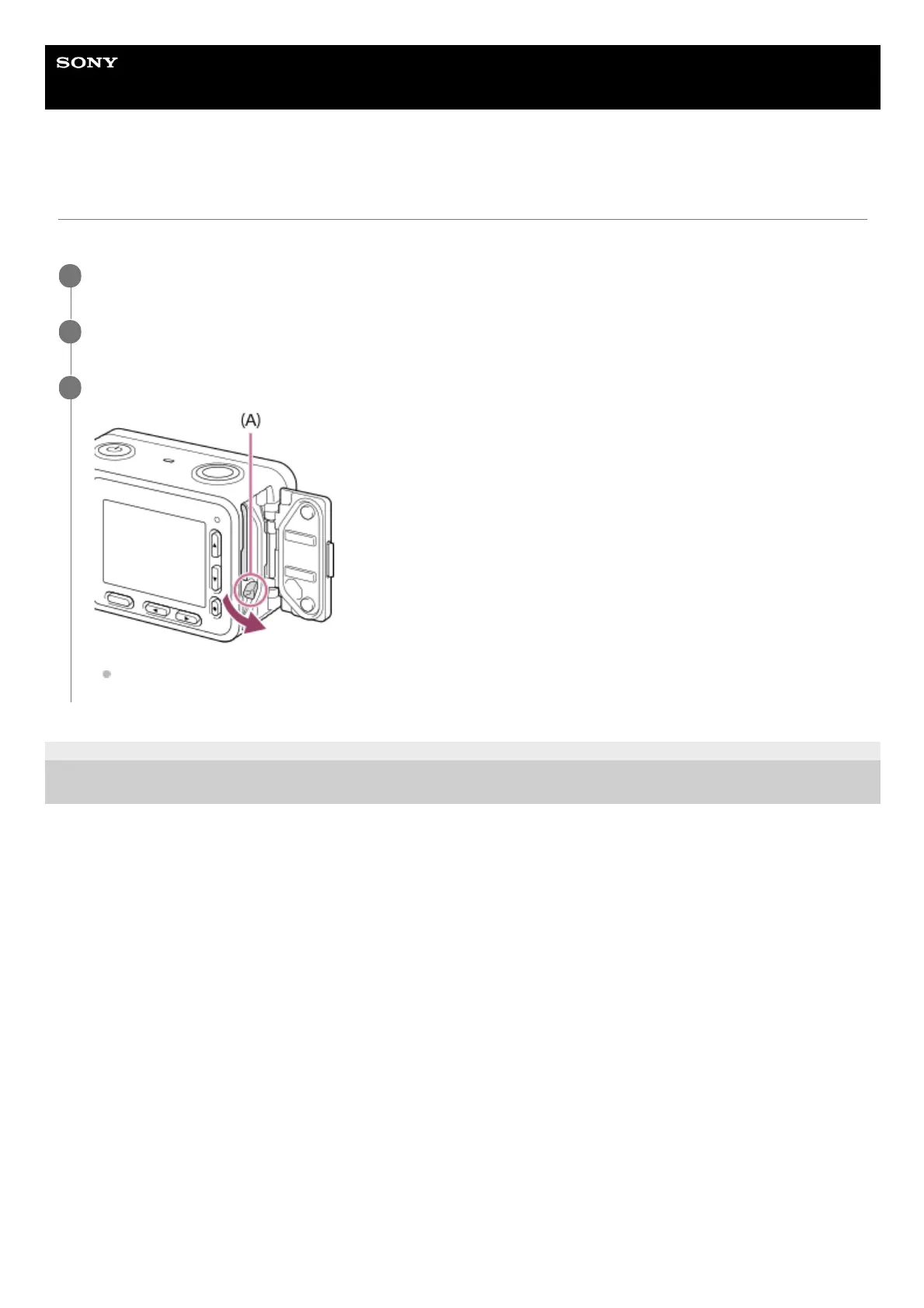
Slide the battery lock lever (A) and remove the battery pack.
Be careful not to drop the battery pack.
3












 To Next Page