If you cannot establish a connection using the QR Code
Connect the camera and the iPhone or iPad using the SSID and password.
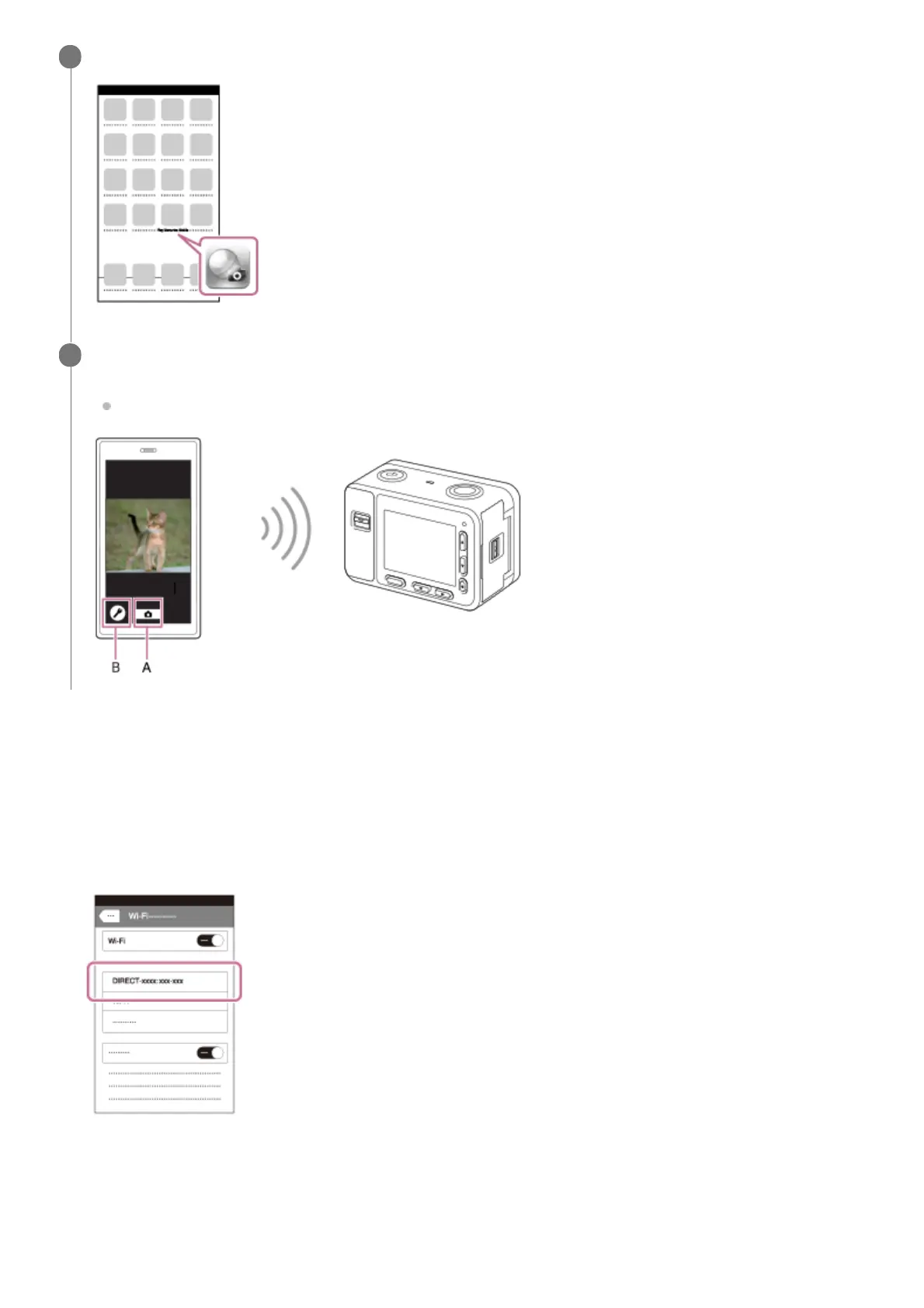
Return to the “Home” screen of the iPhone or iPad and launch PlayMemories Mobile.
11
Check the composition of the image on the iPhone or iPad screen, and then press the shutter button (A) on
the iPhone or iPad to shoot an image.
You can set [Self-Timer] or configure the settings to save images to the iPhone or iPad (B).
12
Perform Step 1 through Step 3 of the procedure above, and then press the up button on the camera.
The camera’s SSID and password are displayed on the monitor of the camera.
1.
Select the model name of the camera (DIRECT-xxxx: xxxx) on the Wi-Fi setting screen of your iPhone or iPad.
2.
Input the password that is displayed on the camera.3.












 To Next Page