18
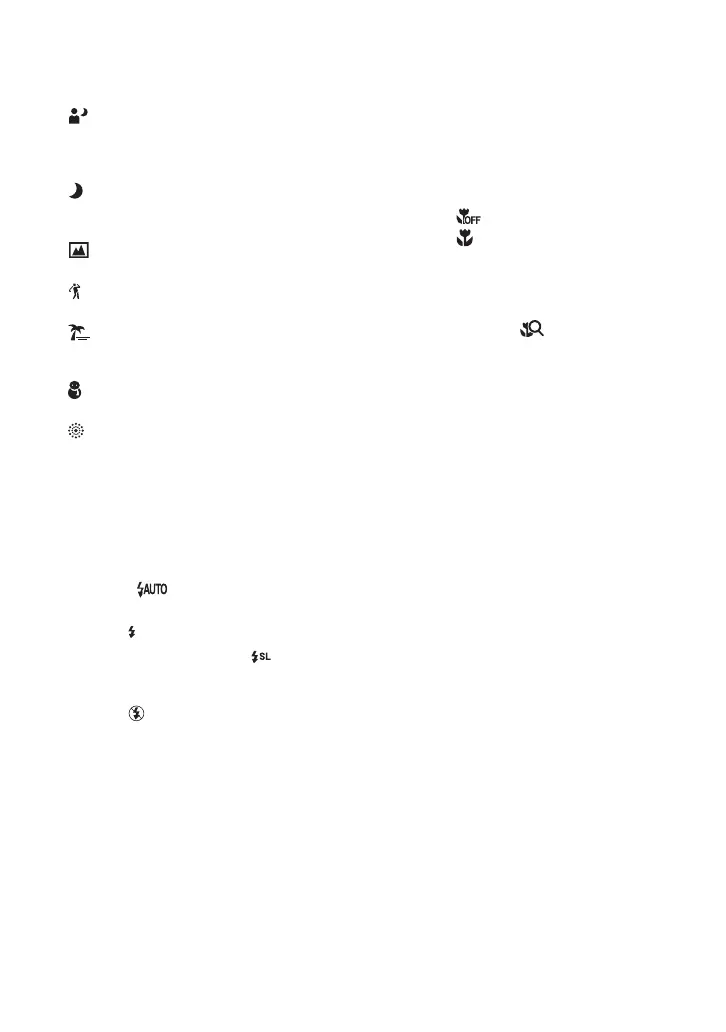
Twilight Portrait: Allows you to shoot
sharp images of people in dark places
without losing the dark atmosphere of the
surroundings.
Twilight: Allows you to shoot images
without losing the dark atmosphere of the
surroundings.
Landscape: Focuses only on a distant
subject to shoot landscapes, etc.
Hi-Speed Shutter: Allows you to shoot
moving subjects in bright places.
Beach: When shooting seaside or lakeside
scenes, the blue of the water is clearly
recorded.
Snow: Allows you to shoot bright images
of snowy scenes.
Fireworks: Allows you to record fireworks
in all their splendor.
[ Flash (Selecting a flash mode for
still images)
Touch the flash mode setting icon on the
screen. Touch the desired item, then
[BACK].
Flash Auto (): Flashes when there is
insufficient light or backlight (default setting)
Flash On
( )
Slow Synchro (Flash forced on)
( ): The shutter
speed is slow in a dark place to clearly shoot
the background that is out of flash light.
Flash Off
( )
[ Macro/Close focus (Shooting
close-up)
Touch the Macro/Close focus mode setting
icon on the screen. Touch the desired item,
then [BACK].
Macro Off ( )
Macro On ( ):
W side: Approx. 8 cm or farther (3 1/4 inches
or farther)
T side: Approx. 25 cm or farther (9 7/8 inches
or farther)
Close focus enabled ( ):
Locked to the W side: Approx. 1 to 20 cm
(13/32 to 7 7/8 inches)
[ Changing the screen display
Touch [DISP] on the screen to change to
the display selection screen.
Display Setup: This sets whether or not to display
the icons on the screen.
LCD Brightness
: This sets the backlight
brightness.
Display Histogram
: This sets whether or not to
display the histogram on the screen.



 To Next Page