Handling Casettes
Chapter 3 Editing
46 Chapter 3 Editing
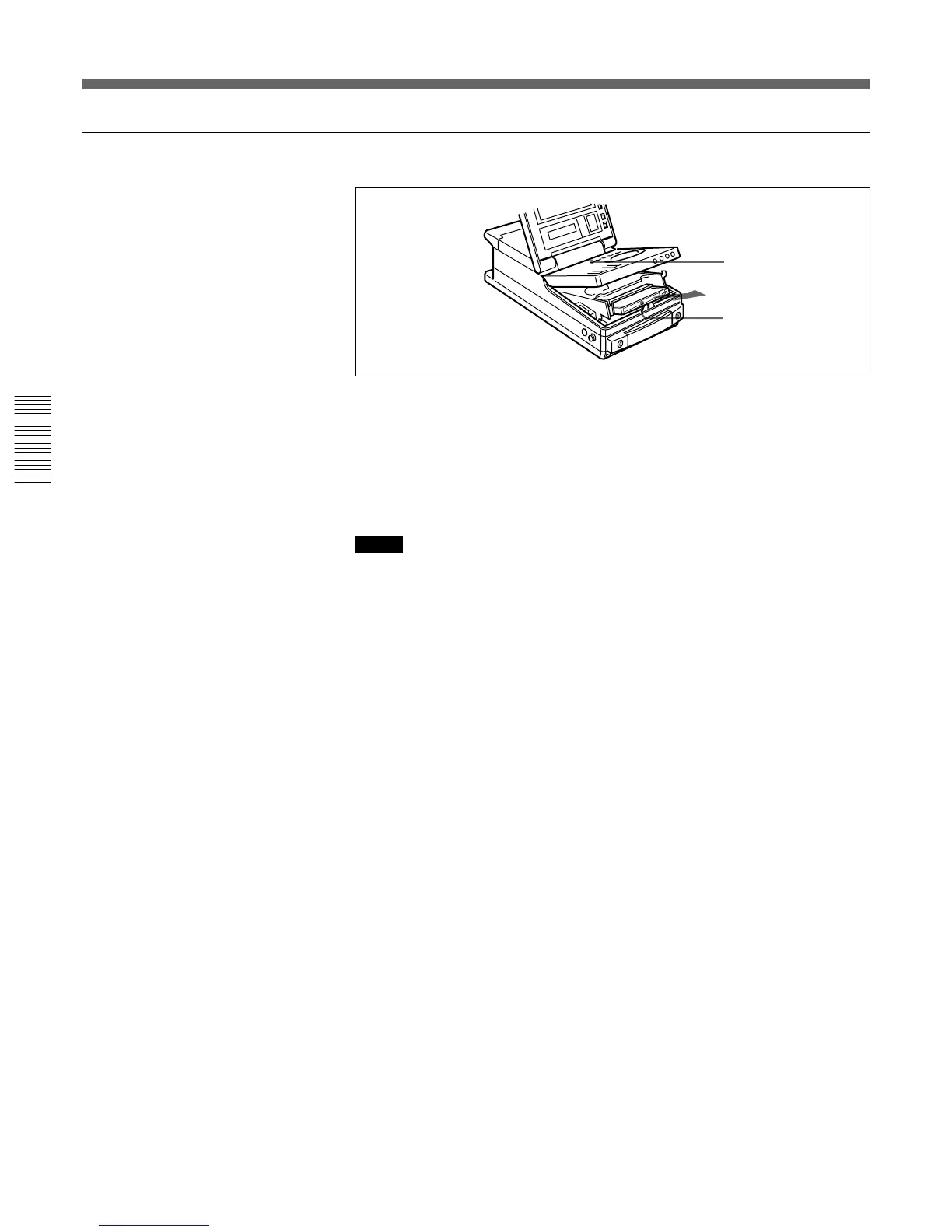
To eject the cassette
1 With the unit powered on, press the EJECT button.
The control panel lifts up and the cassette compartment opens.
2 Remove the cassette and close the control panel.
Notes
• Do not shut the display panel while the control panel is still open. Doing
so may damage the lock mechanism of the display panel.
• The EJECT cannot be used to eject a cassette when battery power falls to
below about 9 V. Connect an external power supply.
For information about the remaining battery power, see the section “5
Remaining battery power display” on page 67.
1
2



 To Next Page