5GB
DSPL (display)
Press to change display items.
SCRL (scroll)
Press and hold to scroll a display item.
USB port
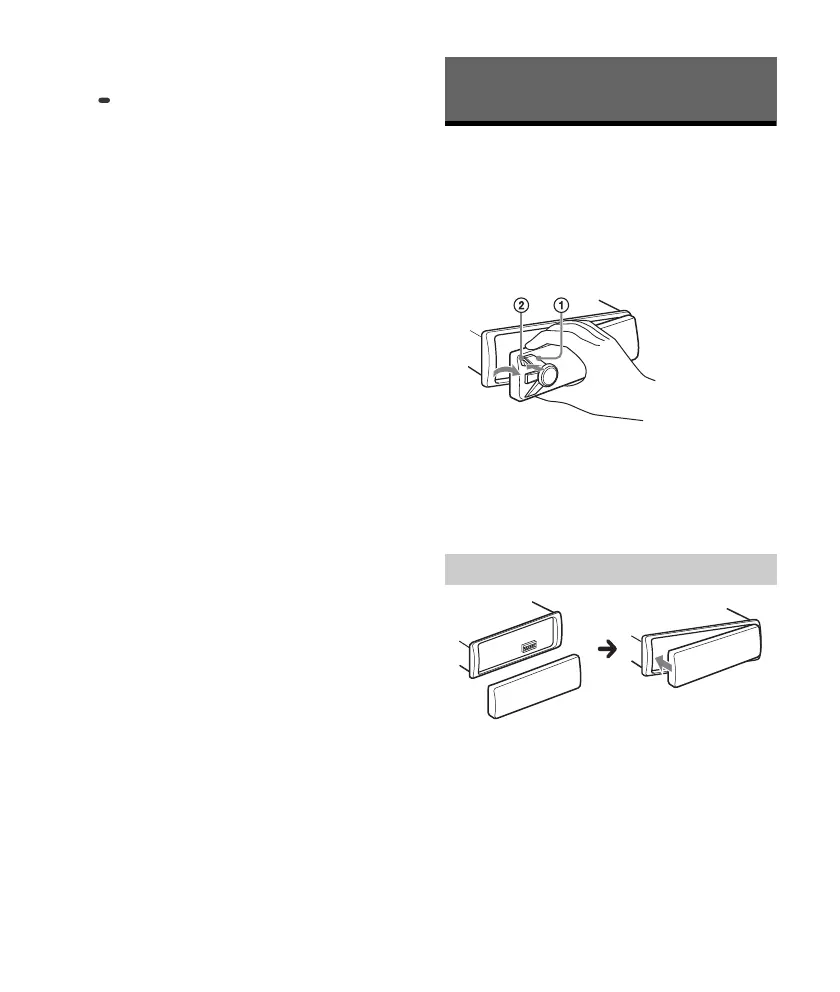
Detaching the Front Panel
You can detach the front panel of this unit to
prevent theft.
1 Press and hold OFF until the unit turns
off, press the front panel release button
, then pull the panel towards you to
remove.
Caution alarm
If you turn the ignition switch to the OFF position
without detaching the front panel, the caution
alarm will sound for a few seconds. The alarm will
only sound if the built-in amplifier is used.
Getting Started
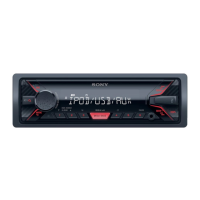
Attaching the front panel


 To Next Page