15GB
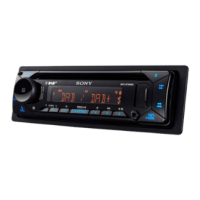
For details, see “Detaching the Front Panel”
(page 5).
For details, see “Resetting the Unit” (page 6).
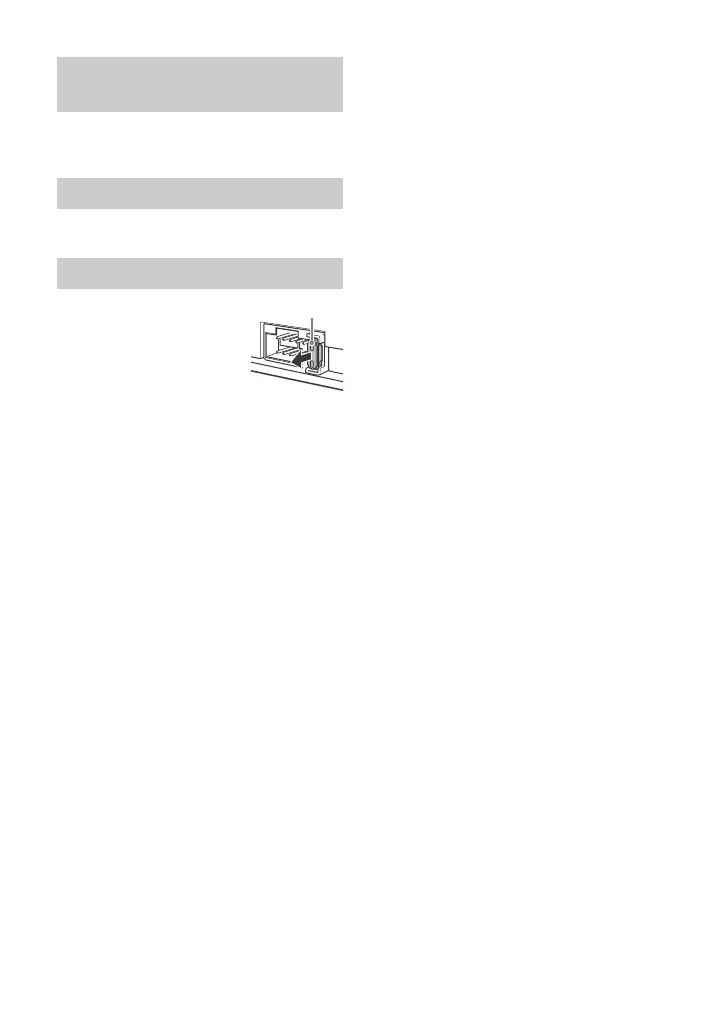
When replacing the fuse,
be sure to use one
matching the amperage
rating stated on the
original fuse. If the fuse
blows, check the power
connection and replace the
fuse. If the fuse blows again after
replacement, there may be an internal
malfunction. In such a case, consult your
nearest Sony dealer.
Detaching and attaching the front
panel
Resetting the unit
Fuse replacement



 To Next Page