EasyManua.ls Logo

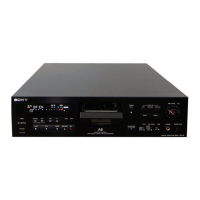
Sony DTC-700 - Program Number and Start ID Adjustments; Shifting Start ID;Program Number Position; Erasing Program Numbers

Sony DTC-700
56 pages
Print Icon
To Next Page IconTo Next Page
To Previous Page IconTo Previous Page
Loading...
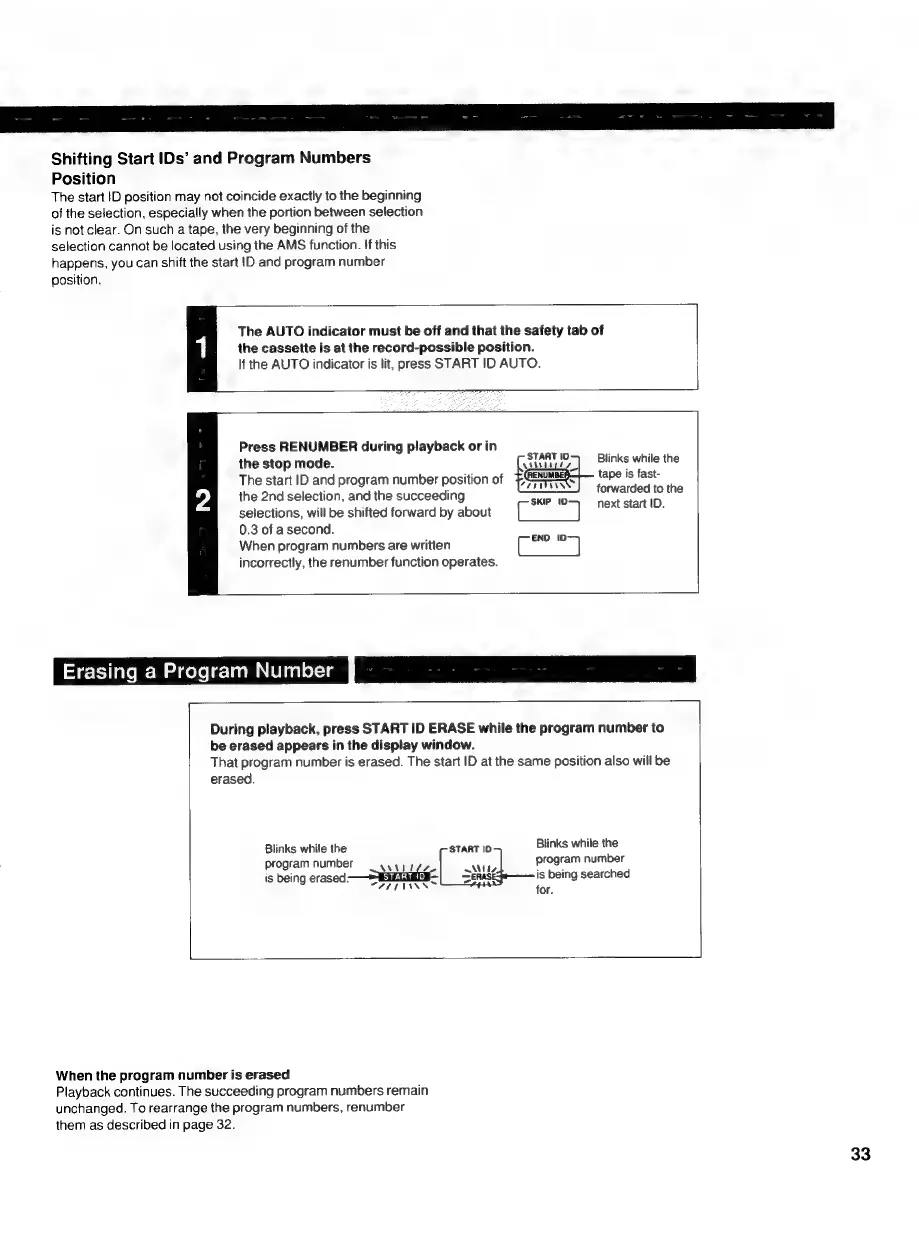
Shifting
Start
IDs’
and
Program
Numbers
Position
The
start
ID
position
may
not
coincide
exactly
to
the
beginning
of
the
selection,
especially
when
the
portion
between
selection
is
not
clear.
On
such
a
tape,
the
very
beginning
of
the
selection
cannot
be
located
using
the
AMS
function.
If
this
happens,
you
can
shift
the
start
|D
and
program
number
position.
The
AUTO
indicator
must
be
off
and
that
the
safety
tab
of
1
the
cassette
is
at
the
record-possible
position.
If
the
AUTO
indicator
is
lit,
press
START
ID
AUTO.
Press
RENUMBER
during
playback
or
in
the
stop
mode.
\aitzty.)
Blinks
while
the
The
start
ID
and
program
number
position
of
Resa
tae
is
fast-
the
2nd
selection,
and
the
succeeding
Sues
tsdabploiets
the
selections,
will
be
shifted
forward
by
about
,
0.3
of
asecond.
When
program
numbers
are
written
incorrectly,
the
renumber
function
operates.
END
ID:
Erasing
a
Program
Number
J
During
playback,
press
START
ID
ERASE
while
the
program
number
to
be
erased
appears
in
the
display
window.
That
program
number
is
erased.
The
start
ID
at
the
same
position
also
will
be
erased.
Blinks
while
the
Blinks
while
the
START
ID
b
rogram
number
program
number
Vues
Ty
Progr
is
being
erased
—S
SELES
SERASI
is
being
searched
WATEIANN™
for.
When
the
program
number
is
erased
Playback
continues.
The
succeeding
program
numbers
remain
unchanged.
To
rearrange
the
program
numbers,
renumber
them
as
described
in
page
32.

Related product manuals