EasyManua.ls Logo

Sony DVP-S330 - Using Various Functions with the Control Menu

Sony DVP-S330
62 pages
Print Icon
To Next Page IconTo Next Page
To Previous Page IconTo Previous Page
Loading...
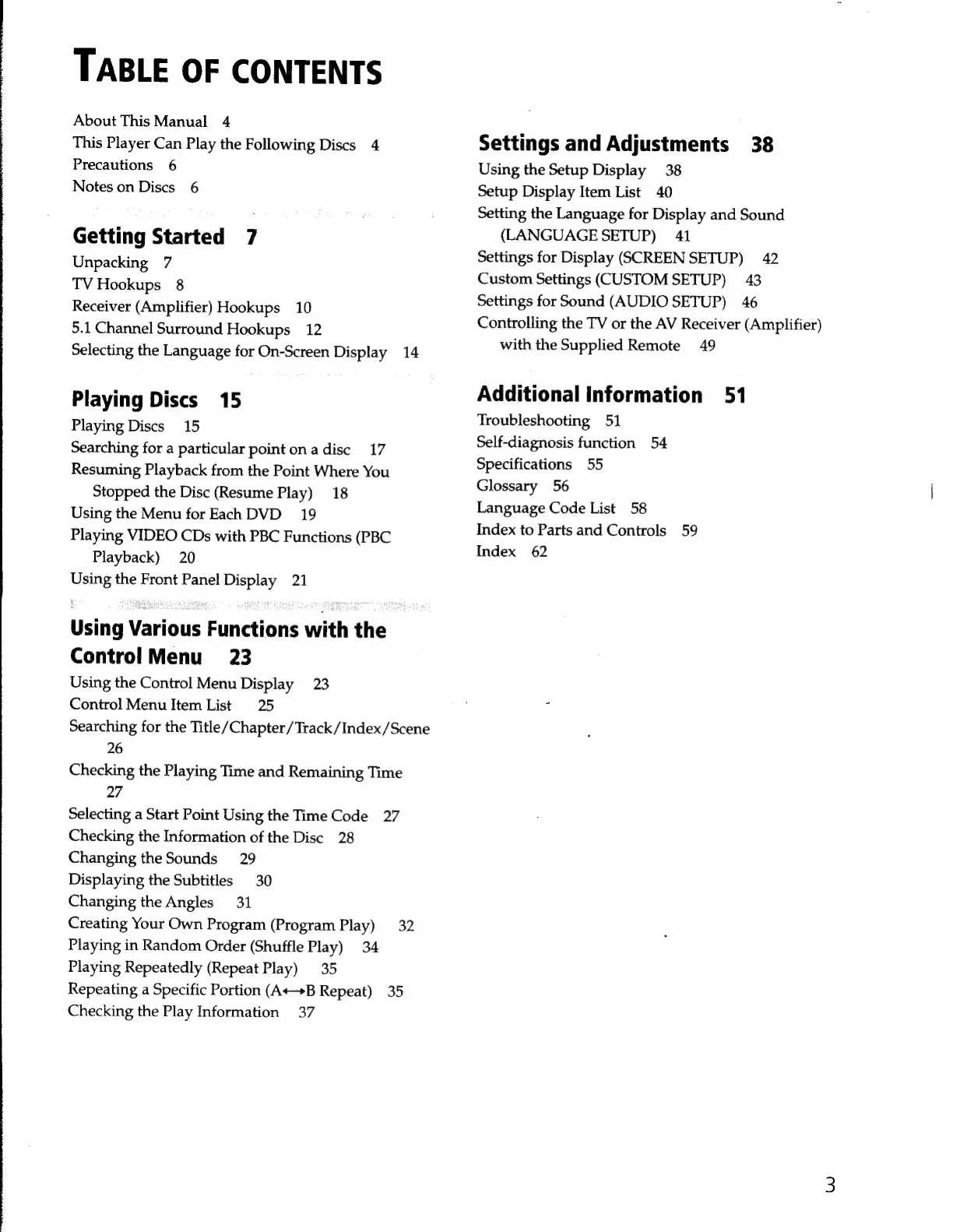
TABLE
OF
CONTENTS
About
This
Manual
4
This
Player
Can
Play
the
Following
Discs
4
Precautions
6
Notes
on
Discs
6
Getting
Started
7
Unpacking
7
TV
Hookups
8
Receiver
(Amplifier)
Hookups
10
5.1
Channel
Surround
Hookups
12
Selecting
the
Language
for
On-Screen
Display
14
Playing
Discs
15
Playing
Discs
15
Searching
for
a
particular
point
on
a
disc
17
Resuming
Playback
from
the
Point
Where
You
Stopped
the
Disc
(Resume
Play)
18
Using
the
Menu
for
Each
DVD
19
Playing
VIDEO
CDs
with
PBC
Functions
(PBC
Playback)
20
Using
the
Front
Panel
Display
21
Using
Various
Functions
with
the
Control
Menu
23
Using
the
Control
Menu
Display
23
Control
Menu
Item
List
25
Searching
for
the
Title/Chapter
/
Track
/Index/Scene
26
Checking
the
Playing
Time
and
Remaining
Time
27
Selecting
a
Start
Point
Using
the
Time
Code
27
Checking
the
Information
of
the
Disc
28
Changing
the
Sounds
29
Displaying
the
Subtitles
30
Changing
the
Angles
31
Creating
Your
Own
Program
(Program
Play)
32
Playing
in
Random
Order
(Shuffle
Play)
34
Playing
Repeatedly
(Repeat
Play)
35
Repeating
a
Specific
Portion
(A+B
Repeat)
35
Checking
the
Play
Information
37
Settings
and
Adjustments
38
Using
the
Setup
Display
38
Setup
Display
Item
List
40
Setting
the
Language
for
Display
and
Sound
(LANGUAGE
SETUP)
41
Settings
for
Display
(SCREEN
SETUP)
42
Custom
Settings
(CUSTOM
SETUP)
43
Settings
for
Sound
(AUDIO
SETUP)
46
Controlling
the
TV
or
the
AV
Receiver
(Amplifier)
with
the
Supplied
Remote
49
Additional
information
51
Troubleshooting
51
Self-diagnosis
function
54
Specifications
55
Glossary
56
Language
Code
List
58
Index
to
Parts
and
Controls
59
Index
62