74
Additional Information
Self-diagnosis function
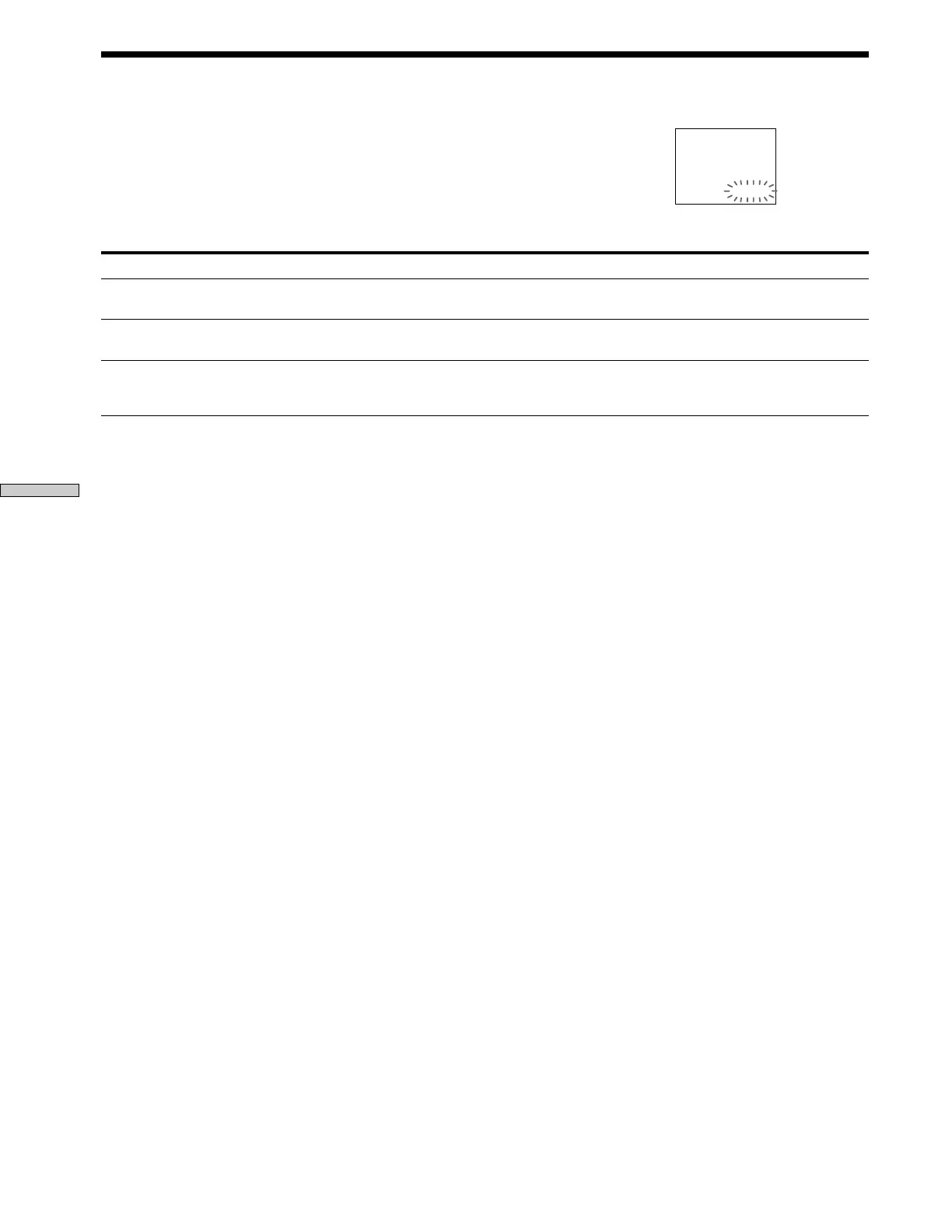
When the self-diagnosis function activates to prevent the player from
malfunctioning, a five-character service number (combination of a letter and
digits) flashes on the screen and on the front panel display. In this case, check the
following table.
First three characters
C13
C31
Exx (xx is any number)
Cause and/or Corrective Action
•The disc is dirty.
, Clean the disc with a cleaning cloth. (page 6)
•The disc is not inserted correctly.
, Open the disc tray and insert the disc correctly.
•To prevent a malfunction, the player has performed the self-diagnosis function.
,When you contact your Sony dealer or local authorized Sony service facility, give
the 5-character service number. (example: E:61:10)
C:13:00



 To Next Page