Help Guide
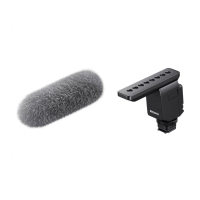
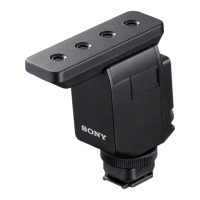
Shotgun Microphone
ECM-B10
When the message “This accessory is not supported by the device and cannot be
used.” is displayed on the camera:
Do the following in the listed order.
5-036-505-11(1)
Copyright 2021 Sony Corporation
Make sure that your camera is compatible with this unit.
For camera models compatible with this unit, visit the website at:
https://www.sony.net/dics/b10/
Note
In combination with any camera model that is not listed on the above website, the unit does not work.
1
To use a camera that is not compatible with the digital audio interface in combination with this unit, set the
DIGITAL/ANALOG switch on the unit to “ANALOG.”
2
Clean the contacts on this unit and the camera. When either or both of the contacts are soiled with dust or
the like, the camera may fail to detect that the unit is attached. To clean the contacts, use a cotton swab or
a dry, soft cloth (e.g., a cleaning cloth). Do not use water or chemicals for cleaning.
3


 To Previous Page