SECTION
1
GENERAL
Identifying
the
Parts
and Controls
This section describes
about each name
of
this amplifier
and
remote commander.
This
section is extracted from
instruction manual.
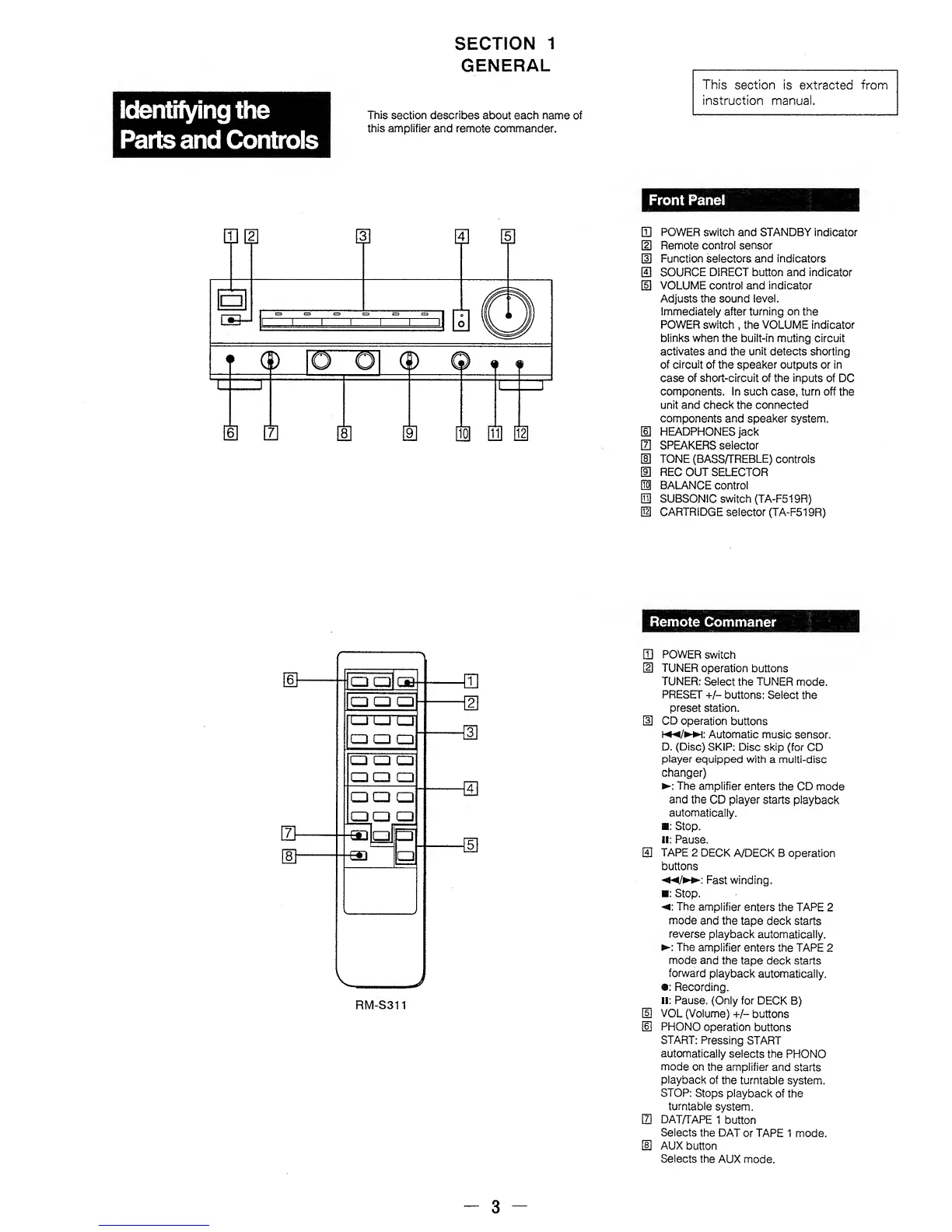
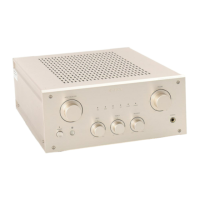
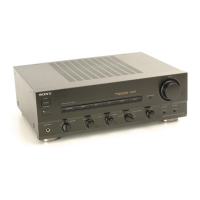
Front Panel
CD
POWER
switch and STANDBY
indicator
HI
Remote
control sensor
m
Function
selectors and indicators
El
SOURCE DIRECT button and
indicator
[5]
VOLUME control and indicator
Adjusts the sound
level.
Immediately after turning on the
POWER switch
,
the VOLUME indicator
blinks
when the built-in muting circuit
activates and the unit
detects shorting
of
circuit
of the speaker
outputs or in
case of short-circuit of the inputs
of DC
components. In such
case,
turn off
the
unit and check the connected
components and speaker
system.
HI
HEADPHONES
jack
m
SPEAKERS
selector
m
TONE (BASS/TREBLE)
controls
®
REC
OUT SELECTOR
H
BALANCE control
El
SUBSONIC switch (TA-F519R)
H
CARTRIDGE
selector (TA-F519R)
Remote
Commaner
CD
POWER
switch
HI
TUNER
operation buttons
TUNER:
Select the
TUNER
mode.
PRESET +/-
buttons: Select the
preset
station.
HO
CD
operation buttons
*«*/**
Automatic music
sensor.
D. (Disc)
SKIP: Disc
skip
(for CD
player
equipped
with
a
multi-disc
changer)
:
The amplifier
enters
the CD mode
and
the
CD
player
starts
playback
automatically.
:
Stop,
ii: Pause.
0
TAPE
2 DECK
A/DECK B
operation
buttons
Fast
winding.
:
Stop.
: The
amplifier
enters
the TAPE
2
mode
and the
tape deck starts
reverse
playback
automatically.
:
The
amplifier
enters the TAPE
2
mode
and the
tape
deck
starts
forward
playback
automatically.
•:
Recording.
II: Pause.
(Only for
DECK
B)
HI
VOL
(Volume)
+/-
buttons
H3
PHONO
operation
buttons
START:
Pressing
START
automatically
selects
the
PHONO
mode
on the amplifier
and
starts
playback
of
the turntable
system.
STOP:
Stops
playback
of the
turntable
system.
m
DAT/TAPE
t
button
Selects
the
DAT or TAPE 1
mode.
HD
AUX
button
Selects
the
AUX mode.
3


 To Next Page