
 Need help?
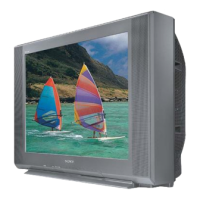
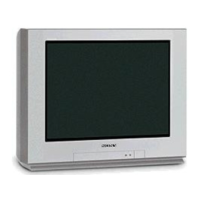
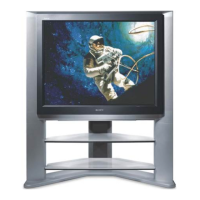
Do you have a question about the Sony FD Trinitron WEGA KV-32XBR450 and is the answer not in the manual?
Describes the TV's physical controls and rear panel connections for external devices.
Details the various input and output connectors located on the rear of the television.
Guides on connecting the TV to cable TV or an antenna, covering different cable types.
Illustrates how to connect a VCR to the TV using cable TV input.
Explains the setup for connecting a VCR and cable box, enabling Twin View.
Provides instructions for connecting a satellite receiver to the TV for viewing satellite channels.
Details the process of connecting a satellite receiver, VCR, and TV for integrated viewing.
Explains the preferred method for connecting a DVD player using component video for superior picture quality.
Illustrates how to connect a DVD player using standard A/V connectors when component video is unavailable.
Guides on connecting a digital TV set-top box using component video or S-Video for high-quality reception.
Guides through the automatic channel setup process for initial TV configuration.
Step-by-step instructions for performing the automatic channel scan and setup.
Instructions for restoring the TV's settings to their original factory defaults.
Detailed guide on accessing and configuring the Video menu options for picture adjustments.
Explains how to use the Channel menu for channel setup, favorites, and fixing.



 To Next Page
 General