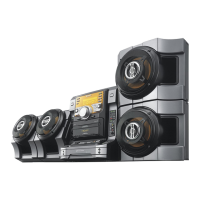
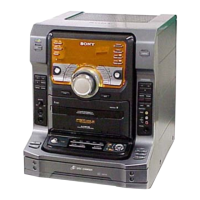
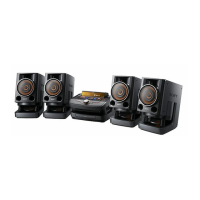
model name [FST-SH2000/LBT-SH2000]
[4-273-674-11(2)] GB
5
GB
filename[D:\NORM'S JOB\SONY HA\SO0159\FST_LBT-SH2000_PMRF
01\4273674112_GB\GB04PLA.fm]
masterpage:Right
Remote control RM-SCU37B
1
"/1 (on/standby)
Turn on the system, or set it to standby
mode. The STANDBY indicator lights up
in red when the system is turned off.
B
Remote control sensor
C
Display panel
D
Unit: / / /
Select the menu items.
+/– (select folder)
Select a folder on an MP3 disc or a USB
device.
m/M (rewind/fast forward)
Hold down to find a point in a track or file
during playback.
Unit: l/L (go back/go
forward)
Select a track or file.
Remote control: ./>
(go back/go forward)
Select a track or file.
Unit: TUNING +/–
Remote control: +/– (tuning)
Tune to the station you want.
E
Unit: VOLUME/DJ CONTROL
Adjust the volume.
Adjust the DJ EFFECT level (page 20).
You cannot use this knob to adjust the
volume when the DJ EFFECT is
activated.
Remote control: VOLUME +/–*
Adjust the volume.
* The VOLUME + button has a tactile dot. Use
the tactile dot as a reference when operating
the system.
F
Disc slot
G
Z EJECT
Eject a disc.
H
OPTIONS
Enter the option menus.
TUNER/BAND
Select the TUNER function.
Select the FM or AM band during
TUNER function.
CD
Select the CD function.
Unit: USB/USB SELECT
Remote control: USB
Select the USB function.
Select the USB device connected to the
A or B port during USB function.
BAND
w;
wa
4
q;
9
ql
4
4
5
1
wh
wg
wf
wd
8
qj
ws
Continued
l


 To Next Page