D:\WORK\GPS_CS1\2688548111_UGGB\01GB-GPSCS1\01GB04BAS.fm
master:Left
GPS-CS1
2-688-548-11(1)
GB
18
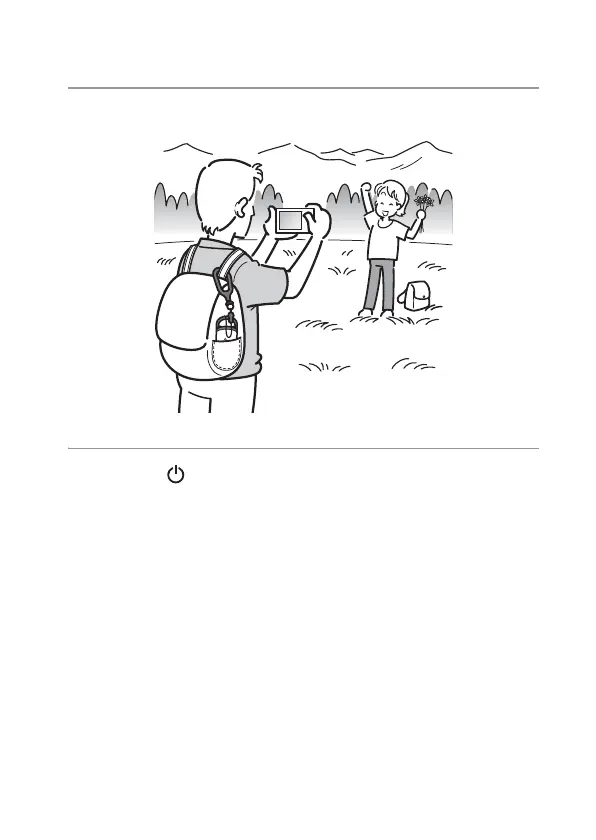
2 Take pictures with a camera.
3 Press the (Power) button longer to turn the unit off after
using.
• The GPS log recorded on the unit is stored as a log file during the time
the unit is turned on.
Tips
• Tracking may be difficult depending on the environmental condition. Check the
status of the GPS lamp at times.
• You can merge two GPS log files recorded separately due to on/off of the power
into one file using the supplied software. The position information will be
completed by this procedure. Be aware that once you merge the log files into one,
it cannot be separated again.
GPS



 To Next Page