EasyManua.ls Logo

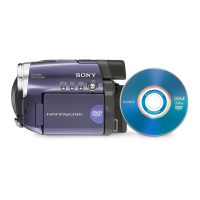
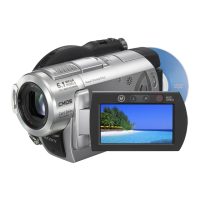
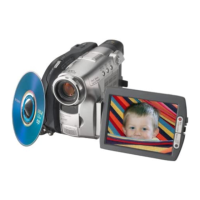
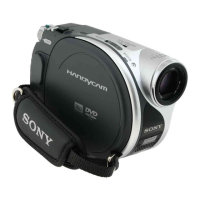
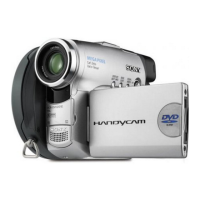
Sony Handycam DCR-DVD201E - User Manual

Sony Handycam DCR-DVD201E
148 pages
Print Icon
To Next Page IconTo Next Page
Loading...
3-089-914-14 (1)
©2004 Sony Corporation
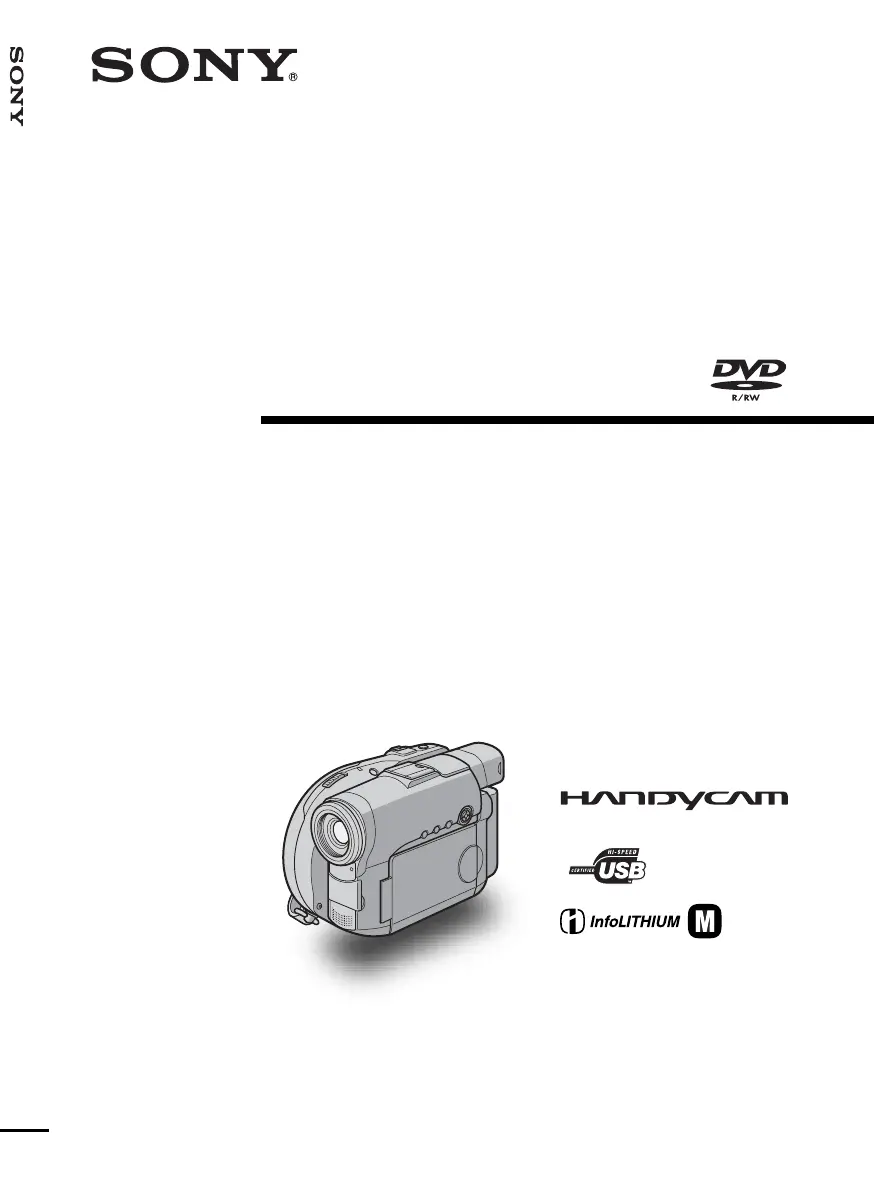
Operating Instructions
Before operating the unit, please read this manual thoroughly,
and retain it for future reference.
DCR-DVD91E/DVD101E/
DVD201E
Digital
Video Camera
Recorder
SERIES
TM
Operating Insctructions [GB]

Table of Contents

Questions and Answers

  • T
    Thomas PughAug 18, 2025
    Why does my Sony Handycam DCR-DVD201E power go off?
    • R
      Ryan PinedaAug 18, 2025
      Your Sony Camcorder, when powered by the battery pack, will automatically turn off if no operations are performed for more than 5 minutes. To resolve this, press the POWER button for a few seconds. Also, ensure that the battery pack is not exhausted or nearly exhausted. If it is, install a charged battery pack.
  • V
    vhensonAug 20, 2025
    What to do if my Sony Handycam DCR-DVD201E does not turn on?
    • N
      Nicholas GriffinAug 20, 2025
      If your Sony Camcorder does not turn on, make sure a charged battery pack is correctly installed. Also, verify that the AC adapter is properly connected to a wall socket.
  • H
    Haley RoseAug 23, 2025
    Why can't I charge the battery pack on my Sony Camcorder?
    • M
      michaelbeardAug 23, 2025
      If you cannot charge the battery pack of your Sony Camcorder, try fully charging the battery pack again. If the battery pack is completely dead and cannot be recharged, replace it with a new one.
  • N
    nchristianAug 26, 2025
    What to do if my Sony Camcorder picture flickers and the color changes incorrectly?
    • J
      John NelsonAug 26, 2025
      If the picture on your Sony Camcorder flickers and the color changes incorrectly, it could be because PROGRAM AE is set to [PORTRAIT] or [SPORTS] under fluorescent, sodium, or mercury lamps. Cancel PROGRAM AE to fix this.
  • J
    Johnathan LeonardAug 28, 2025
    What to do if I connected the USB cable before installing the USB driver for my Sony Handycam DCR-DVD201E?
    • M
      Margaret JohnsonAug 28, 2025
      Install the USB driver again.
  • C
    Christopher WoodsAug 30, 2025
    Why won't my Sony Camcorder disc eject?
    • M
      Matthew GallegosAug 30, 2025
      If the disc cannot be ejected from your Sony Camcorder, it might be because finalizing was interrupted when the camcorder was turned off. Turn the camcorder back on and wait for finalizing to complete before ejecting the disc. Also, if the camcorder's temperature is too high, turn it off and let it cool down in a cool place before attempting to eject the disc.
  • A
    austin49Sep 2, 2025
    Why is my Sony Camcorder battery pack quickly discharged?
    • F
      Felicia JenkinsSep 2, 2025
      If your Sony Camcorder battery pack is discharging quickly, it may be due to a low operating temperature. Recharge the battery pack fully to resolve this.
  • M
    Madison HopkinsSep 4, 2025
    What to do if an unknown picture is displayed on the LCD display of my Sony Handycam DCR-DVD201E?
    • S
      sanchezmarySep 4, 2025
      If an unknown picture is displayed on the LCD display of your Sony Camcorder, it might be because the camcorder automatically starts a demonstration if 10 minutes elapse after setting the mode dial to (Movie) without a disc inserted. Insert a disc to stop the demonstration.
  • B
    Bobby BarkerSep 7, 2025
    Why doesn't the shutter click sound on my Sony Handycam DCR-DVD201E?
    • I
      ischroederSep 7, 2025
      If the shutter click sound is not audible on your Sony Camcorder, check if [BEEP] is set to [OFF] in the SETUP display. If it is, change the setting to [MELODY] or [NORMAL].
  • L
    Lisa LucasSep 9, 2025
    Why can't I play back the disc on my Sony Handycam DCR-DVD201E Camcorder?
    • J
      James BrownSep 9, 2025
      If the disc cannot be played back on your Sony Camcorder, ensure that a disc is inserted into the camcorder.

Summary

Read This First

What you can do with your DVD Handycam

Introduces the capabilities of the DVD Handycam, highlighting its features.

How to prepare and use your DVD Handycam

Outlines basic steps for preparing, shooting, and playing back with the camcorder.

Finalizing discs for other players

Process to make discs compatible with other DVD players for playback.

Getting Started

Checking the supplied accessories

Lists and identifies all accessories included with the camcorder.

Preparing the power source

Covers battery installation, charging, and AC power connection.

Turning on the power

Steps to power on and off the camcorder.

Setting the date and time

Procedure for setting the camcorder's internal clock and date.

Preparing a disc for recording

Steps to insert and prepare a DVD disc for recording.

Shooting Movies and Still Images

Shooting movies

Detailed guide on how to record video footage.

Selecting the recording mode

How to choose between HQ, SP, and LP recording modes.

Using the zoom feature

Instructions on operating the camcorder's zoom function.

Shooting still images

Instructions for capturing still photographs.

Selecting still image quality and size

How to choose image quality and resolution for still photos.

Adjusting the exposure

Methods for controlling exposure levels.

Shooting in the dark

Techniques for shooting in low-light conditions.

Focusing manually

Guide to manual focus adjustment for precise sharpness.

Shooting with special effects

How to apply visual effects to recordings.

Viewing Recordings

Playing a disc on your camcorder

Steps to playback recorded content directly from the disc.

Using the Visual Index display

How to navigate and select scenes using the visual index.

Various playback modes

Details on different playback controls like pause, skip, and slow motion.

Viewing recordings on TV

Instructions for connecting the camcorder to a TV for playback.

Computer Connection and Software

System requirements

Specifies the necessary hardware and software for computer connection.

Connecting camcorder to computer

Step-by-step guide for linking the camcorder to a PC.

Installing the USB driver

Procedure for installing the necessary driver for USB connection.

Installing ImageMixer software

Guide to installing the included software for editing and management.

Viewing scenes recorded on computer

How to view camcorder footage using the computer.

Creating an original disc

Guide to authoring custom DVDs.

Recording content onto the disc

Instructions for writing the final DVD content.

Troubleshooting

Types of trouble and corrective action

Comprehensive guide to diagnosing and fixing common issues.

Power Source Issues

Solutions for problems related to battery and AC adapter.

Disc Related Issues

Troubleshooting for disc recognition, playback, and recording problems.

Recording Issues

Troubleshooting common problems encountered during recording.

Self-diagnosis display

Explanation of error codes and their meanings.

Warning indicators

Identifies and explains various warning icons and messages.

Warning messages

Lists warning messages and their corresponding corrective actions.

Additional Information

About the InfoLITHIUM battery pack

Details on the battery pack, its features, and effective usage.

Maintenance and precautions

Guidelines for keeping the camcorder in good condition.

Specifications

Parts and Controls

Camcorder parts identification

Identifies and labels the various external parts of the camcorder.

Remote Commander parts identification

Identifies and labels the buttons and components of the remote control.

Operation indicators overview

Explains the meaning of indicators shown on the LCD and viewfinder.

Sony Handycam DCR-DVD201E Specifications

General IconGeneral
Sensor TypeCCD
Sensor Size1/6 inch
Recording MediaDVD
Video FormatMPEG2
Image StabilizationElectronic
FocusAuto/Manual
MicrophoneStereo
USBYes
AV OutputYes
Video Resolution720 x 576
LCD Screen Size2.5 inches
Storage MediaDVD-R/DVD-RW
LCD Screen Pixels123k
White BalanceAuto

Related product manuals