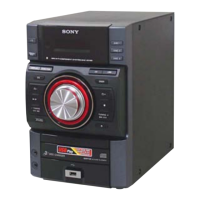
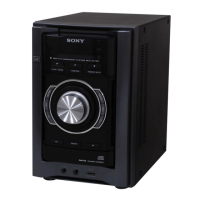
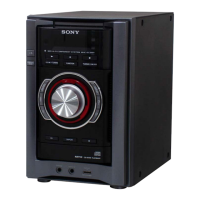
HCD-EX6/EX6T/EX8/EX8T/EX9/EX9T
4
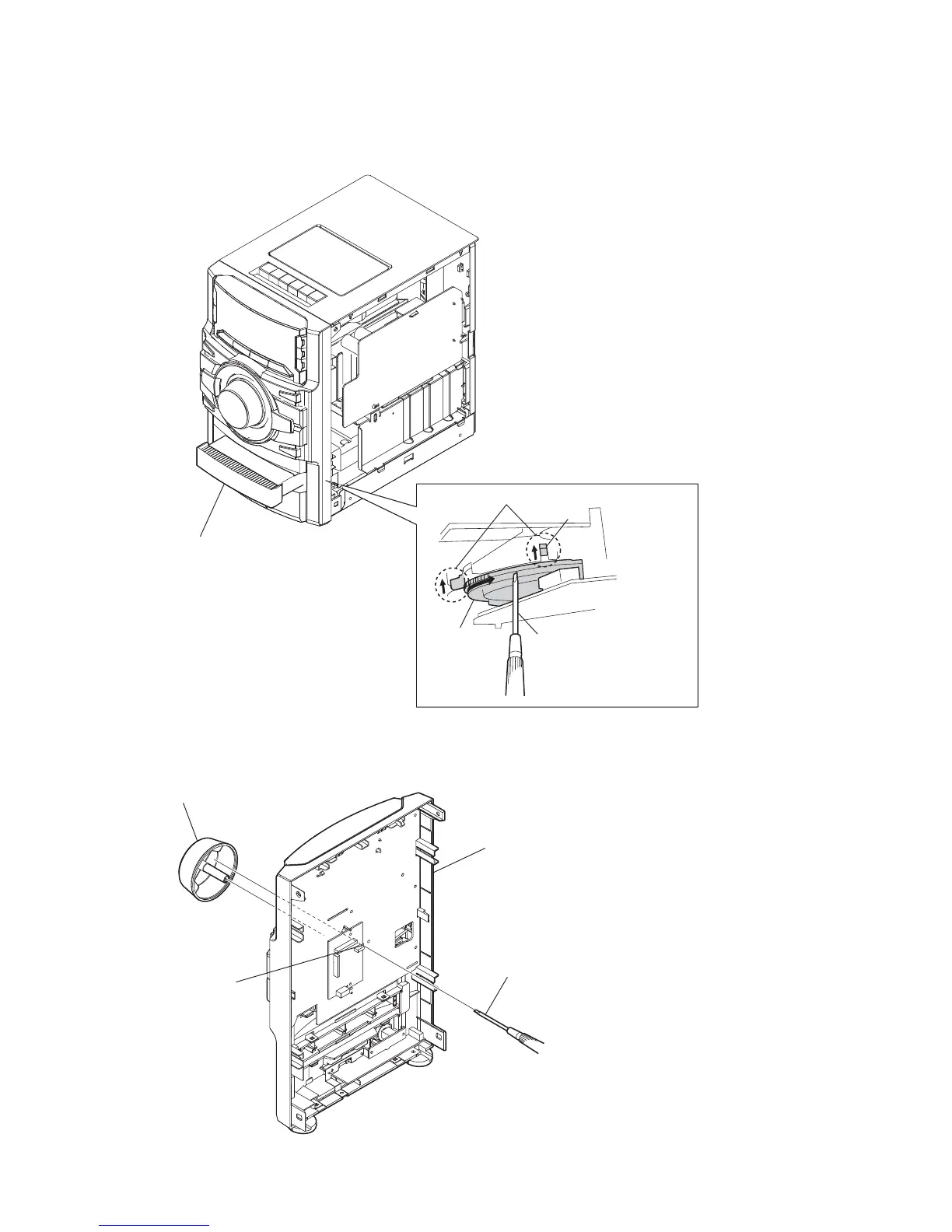
HOW TO OPEN THE TRAY WHEN POWER SWITCH TURN OFF
HOW TO REMOVE THE KNOB (VOL)
1
Turn a gear by a driver
till a lever rises up
to the position of the figure.
lever
state of opening the CD tray
gear
2
Pull the tray by the hand.
2
VOL knob
hole
1
Push the VOL knob by the flat head driver.
front panel block
(back view)
Note: Please take out the side panel (R) from a set refer to DISASSEMBLY (page 7).



 To Next Page