39
<AUTO IRIS>
M05
AUTO IRIS ON, OFF
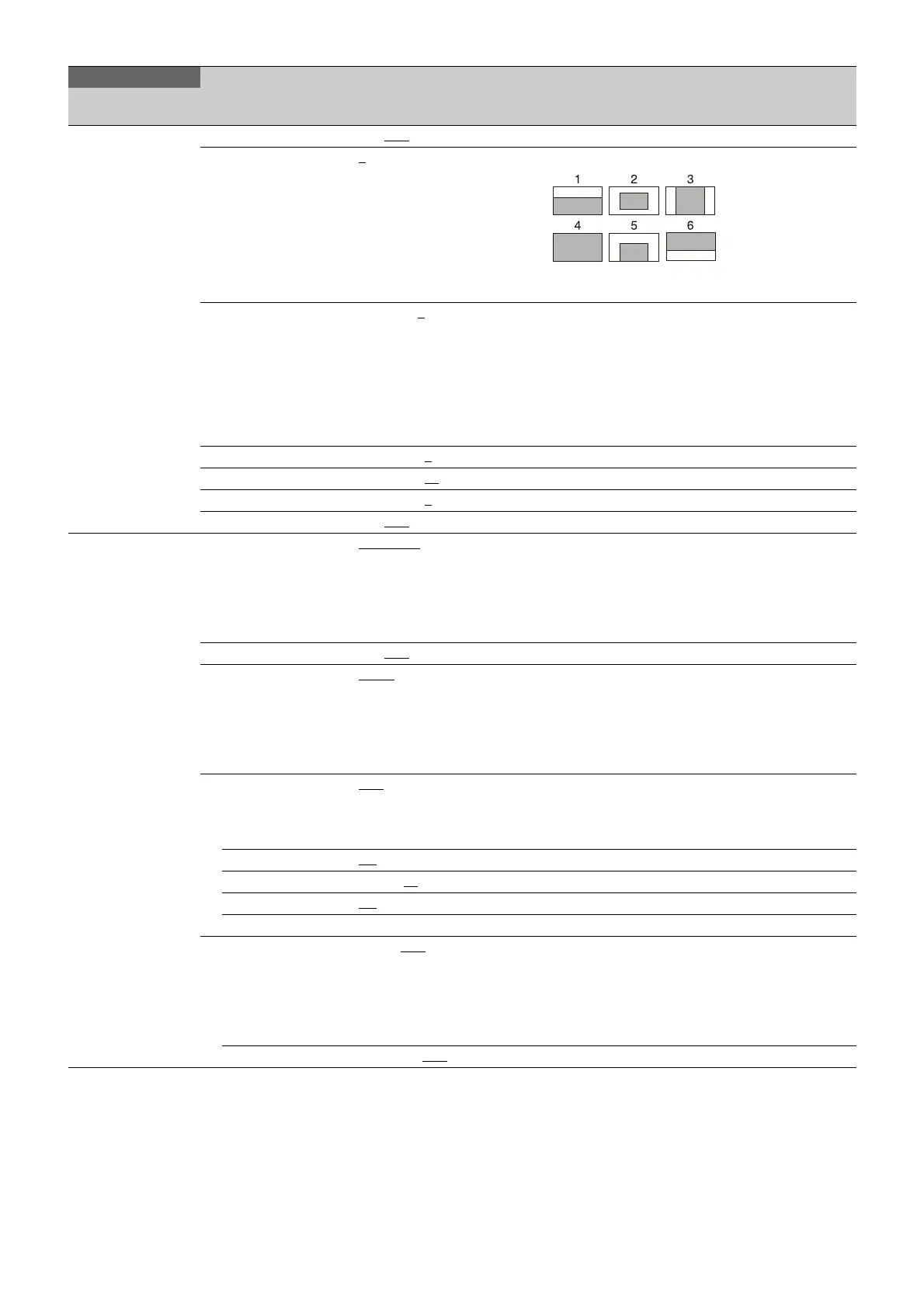
WINDOW 1, 2, 3, 4, 5, 6 Selects the auto iris windows:
The shaded parts indicate the area where light
detection occurs.
OVERRIDE –99 to 99, 0
, --- Sets to temporarily change the reference value for
brightness of the automatic iris level in the range of ±2
steps:
–99: Two steps to fully closed iris.
99: Two steps to fully opened iris.
---: OFF
The setting returns to “---” when the power is turned
off.
IRIS LEVEL –99 to +99, 0
±2 steps
APL RATIO –99 to +99, 65
IRIS GAIN –99 to +99, 0
IRIS CLOSE ON, OFF
<LENS1>
M06
F NO. DISP CONTROL, RETURN Selects the iris indication on the panel when AUTO
IRIS is off:
CONTROL: Displays the value from the camera.
RETURN: Displays the value returned from the lens.
(When AUTO IRIS is on, the value returned from the
lens is always displayed.)
AF DISPLAY ON, OFF
ALAC AUTO, OFF With AUTO selected, the status is displayed at the
right.
(ACTIVE): Compensation is in progress.
(WAIT): Waiting for completion of lens initialization.
(STOP): Compensation is turned off for a non-
applicable lens.
F DROP COMP OFF
, ON, (OFF) Turns F drop compensation on/off.
During compensation, the compensation gain is
displayed on the right.
(OFF): For when a serial lens is not attached.
MAX GAIN 0.0
to 24 dB Maximum compensation value
DROP POINT 0 to 99, 50
Compensation start point
ROUNDNESS 0.0
to 12 dB Roundness of the compensation curve.
STORE LENS FILE Execute using ENTER. Saves settings to a lens file.
ARIA AUTO, OFF
With AUTO selected, the status is displayed at the
right.
(ACTIVE): Compensation is in progress.
(WAIT): Waiting for completion of lens initialization.
(STOP): Compensation is turned off for a non-
applicable lens.
GAIN LIMIT 0 to 12 dB, OFF
MAINTENANCE
Page name
Page No.
Item Settings Description



 To Next Page