10
Adjustments and
Settings for Shooting
Setting the Camera Outputs
You can change the video signal output from the camera using
the menu.
The display selected by the DISPLAY/MENU switch is always
output on the SDI MONI connector.
Outputting the signal being shot (camera picture)
SDI MONI connector setting
a) HD-SDI output. A signal with OETF set to SDR and COLOR set to BT.709 is
output.
Outputting the same image as a viewfinder
When the output setting of the SDI MONI connector of the
camera is set to VF, you can obtain a signal that includes the
same information as that displayed in a viewfinder according
to the settings of the VF MARKER, CHARACTER, VF
DETAIL, ZEBRA, etc.
When configuring output of the same image as a viewfinder,
the output is 1080i, regardless of the selected RESOLUTION
setting.
a) A signal with OETF set to SDR and COLOR set to BT.709 is output.
Output from SDI 1 to SDI 4 connectors
For details, see “SDI 1 to SDI 4 connector settings” (page 43).
Paint Functions in HDR MODE
Some paint functions are disabled depending on the HDR
MODE setting of the unit.
Disabled items can still be adjusted from the PAINT menu on
the camera or RCP/MSU, but the settings are not applied to
the HDR video that is output from SDI outputs.
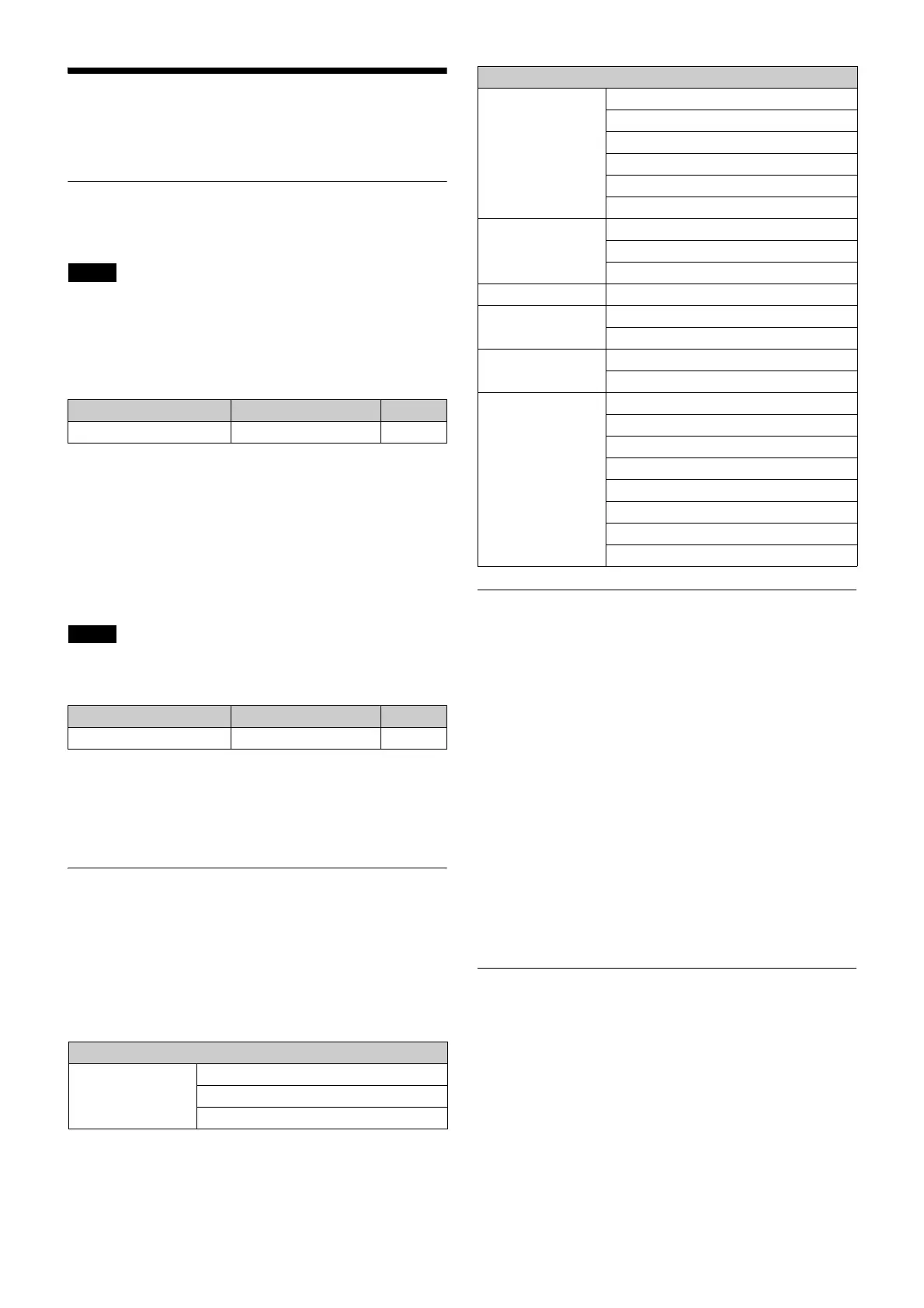
Functions disabled during HDR output
HDR Look Function
The HDR Look is a settings that determines the basic Look
(visual performance, attractiveness) of the HDR video.
This is a basic setting that determines how the image captured
by the camera will be displayed on the display as an HDR
image. You can select from the following three settings.
Live: Characteristics based on the traditional Look derived
from current SDR images. A powerful image with strong
contrast and high color density. Wide dynamic range with
substantial image brightness, capturing highlights
without overexposure.
Mild: Based on the Live Look but with an overall milder image
characteristic.
Natural: HLG original Look. Calm, gentle color density. The
actual sensitivity setting is reduced, but with better S/N
ratio. (Natural Look can be selected only when the output
signal OETF setting is HLG.)
The function is configured on the <OUTPUT FORMAT> page.
Configuring Control System
Connection Settings
The following three modes are supported for the control
system of the unit.
• LEGACY mode: This setting mode is for when controlling
the unit from an external control device via the REMOTE
connector of the unit.
• BRIDGE mode: This setting mode is for when controlling the
unit from an external control device (one-to-one) via the LAN
connector of the unit.
• MCS mode: This setting is for when building a multi-camera
system using multiple network compatible devices.
Note
Menu page Item Setting
<SDI OUT> SDI MONI MAIN
a)
Note
Menu page Item Setting
<SDI OUT> SDI MONI VF
a)
Paint function
Gamma ON/OFF
R/G/B/Master
Step Gamma
Knee ON/OFF
Knee Point R/G/B/Master
Knee Slope R/G/B/Master
Auto Knee ON/OFF
Auto Knee Point Limit
Auto Knee Auto Slope
Detail Mix Ratio
Knee Apt ON/OFF
Knee Apt Level
Skin Detail Gate ON/OFF
White Clip ON/OFF
R/G/B/Master
Knee Saturation ON/OFF
Knee Sat
Gamma Table Standard ON/OFF
Standard
Hyper ON/OFF
Hyper
Special ON/OFF
Special
User ON/OFF
User
Paint function



 To Next Page