26
US
Enjoying the surround
effect
This system can create multi-channel
surround sound. You can select one of
system’s optimized pre-programmed
sound fields.
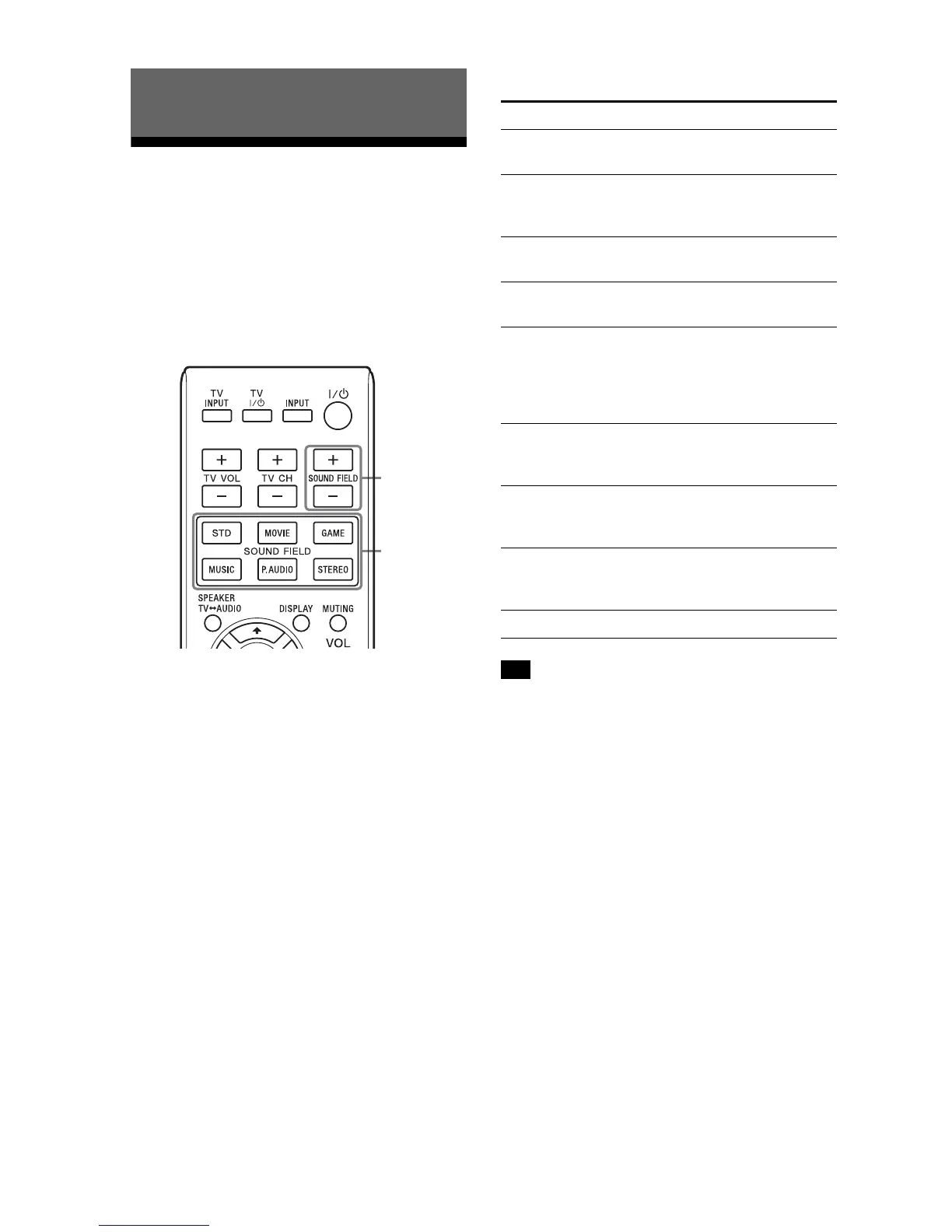
Select a sound field by pressing
SO
UND FIELD +/ buttons or the
SOUND FIELD button of your
desired sound field.
The selected sound field appears on
th
e display of the Sound Bar.
The default setting of the sound field
fun
ction of the system is “P.AUDIO”
when “ANALOG” or “BT AU” is
selected, and “STD” when any other
type of input is selected.
Available sound fields
You can set a different sound field for
each input source.
Surround Function
Sound field Effect
STD
(Standard)
Suits various sources.
MOVIE Recreates powerful and
realistic sound, along with
clear dialog.
DRAMA Recreates the clear dialog
of TV dramas.
NEWS Recreates the clear speech
of newscasts.
SPORTS Recreates clear narration,
cheering with an exciting
surround-sound effect,
and produces powerful
and realistic sound.
GAME Produces powerful and
realistic sound, suited for
playing video games.
MUSIC Suits for music programs or
music videos on Blu-ray
Discs/DVDs.
P.AUDIO
(Portable
audio)
Suits for music programs of
a portable music player.
STEREO Suits for music CDs.
Tip



 To Next Page