65
GB
Resetting the System
If the system still does not operate
properly, reset the system as follows.
1 Press HOME.
The home menu appears on the TV
screen.
2 Select [Setup] from the home
menu.
The setup display appears on the TV
screen.
3 Select [Resetting] - [Reset to
Factory Default Settings].
4 Select the menu item you want to
reset.
5 Select [Start].
To cancel resetting
Select [Cancel] in step 5.
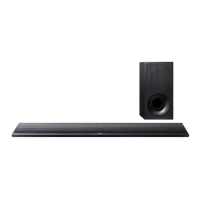
By resetting, the link with the subwoofer
may be lost. In this case, perform
“Performing the Wireless Connection of
the Subwoofer (LINK)” (page 40).
Note


 To Next Page