14
GB
Listening to music from a
USB device
You can play music files on a connected
USB device.
For playable types of files, see “Playable
types of files” (page 26).
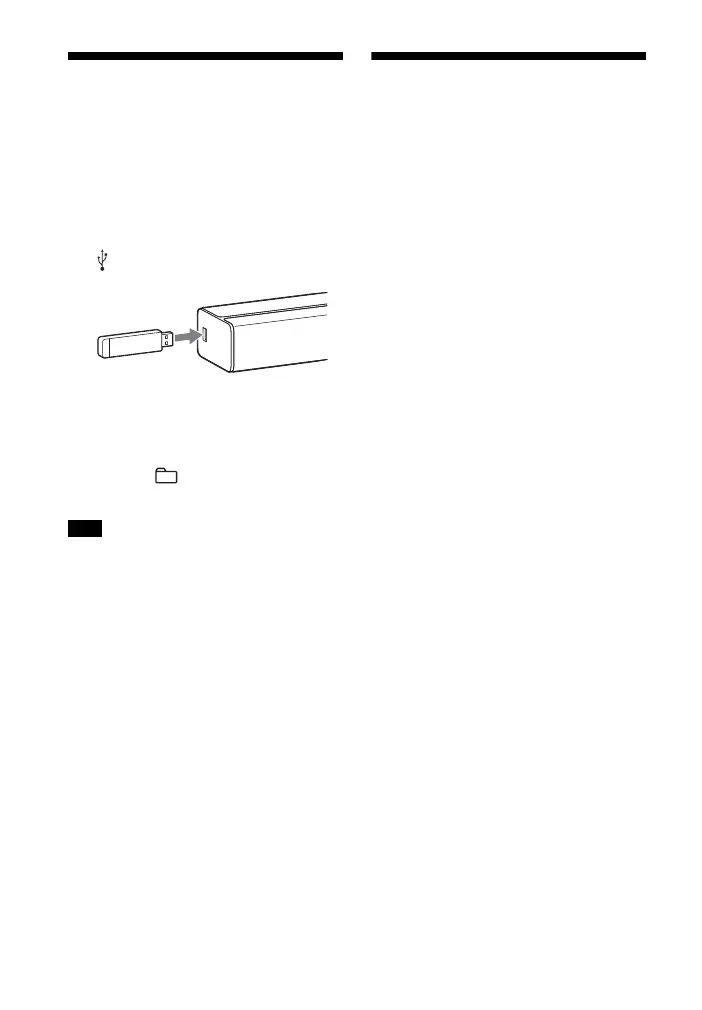
1 Connect the USB device to the
(USB) port.
2 Press USB.
3 Press (play/pause).
4 Press to select a folder to
be played.
• Turn off the system before removing the
USB device to avoid data corruption or
damage to the USB device.
Listening to music from a
BLUETOOTH device
Refer to “BLUETOOTH Functions”
(page 16).
Note



 To Next Page