15
GB
C:\Documents and
Settings\pc13\Desktop\J9052001_2662269111DDW780_GB\2662269111\GB03CON_HT-
DDW780_CEL.fm
masterpage: Right
HT-DDW780
2-662-269-11 (1)
Getting Started
3a: Connecting the audio components
This section describes how to hook up your
components to this receiver.
After hooking up all your components,
proceed to “4: Connecting the antennas” (page
23).
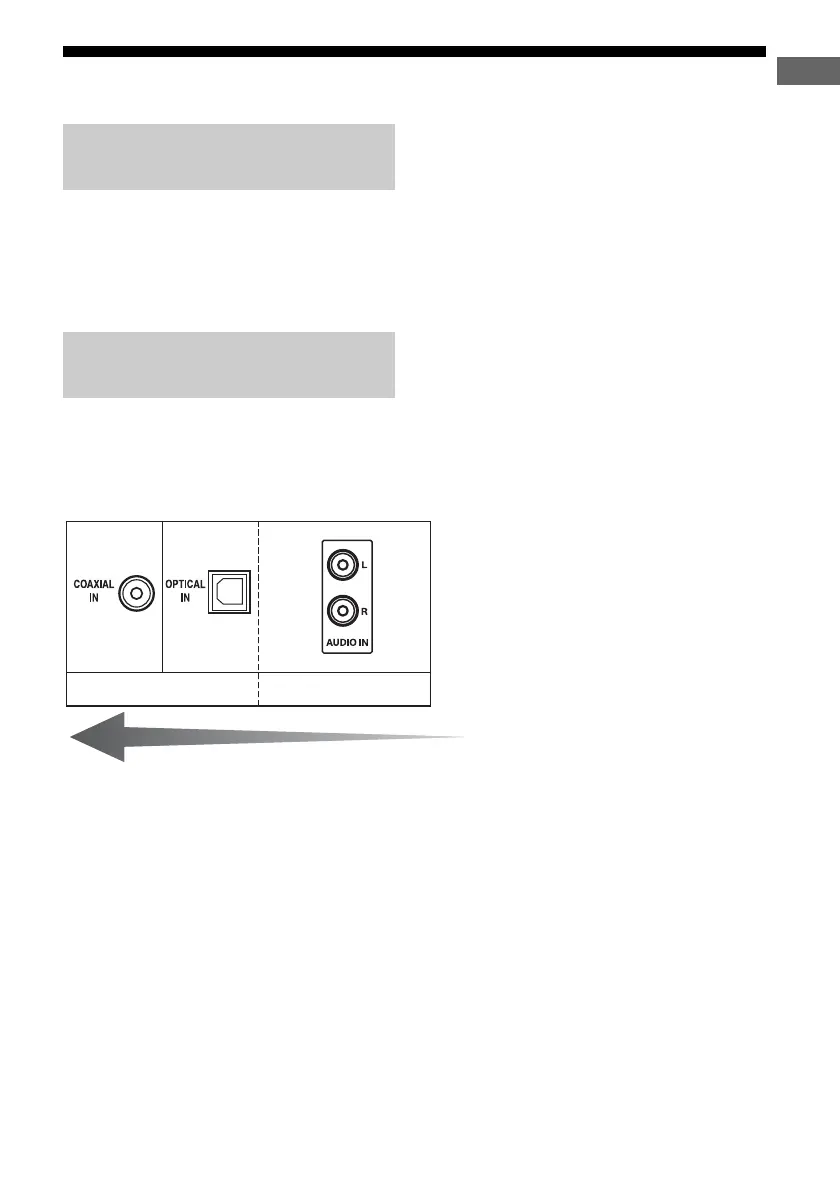
The sound quality depends on the connecting
jack. Refer to the illustration that follows.
Select the connection according to the jacks of
your components.
How to hook up your
components
Audio input jack to be
connected
Digital Analog
High quality sound
GB01COV_HT-DDW780_CEL.book Page 15 Friday, January 20, 2006 11:32 AM



 To Next Page