31
US
Amplifier Operations
a)
For details, refer to the page in the parentheses.
b)
The surround effect is not available for “PORTABLE” sound field.
Menu
[Display]
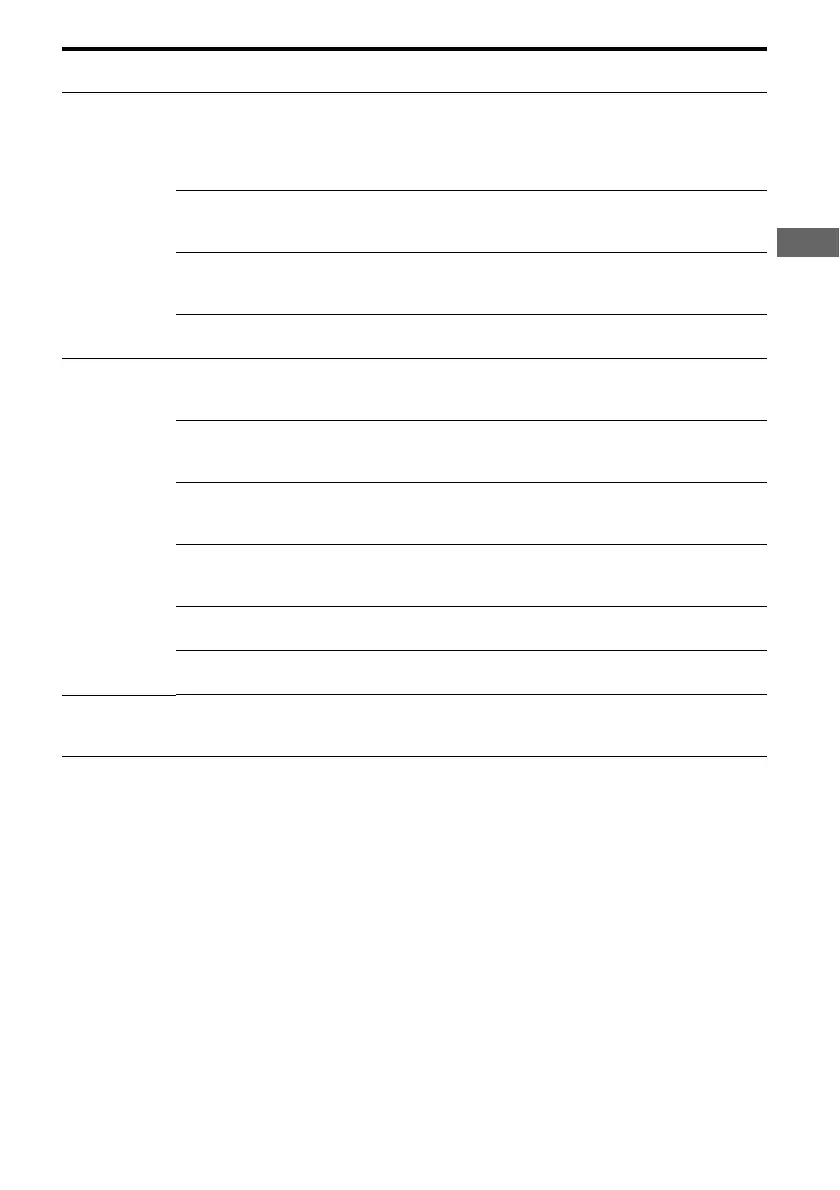
Parameters
[Display]
Settings Initial setting
AUDIO
[5-AUDIO]
(page 34)
Digital audio input decoding
priority
a)
[DEC. PRI.]
DEC. AUTO, DEC. PCM DEC. AUTO
for:
VIDEO 2;
DEC. PCM for:
DVD
Digital broadcast language
selection
a)
[DUAL]
DUAL M/S, DUAL M, DUAL S,
DUAL M+S
DUAL M
Synchronizes audio with video
output
a)
[A.V. SYNC.]
A.V.SYNC. Y, A.V.SYNC. N A.V.SYNC. N
Naming inputs
a)
[NAME IN]
SYSTEM
[6-SYSTEM]
(page 35)
Front speakers distance
a)
[FRT DIST.]
DIST. 3 ft. to DIST. 23 ft.
(1 ft. step)
DIST. 10 ft.
Center speaker distance
a)
[CNT DIST.]
DIST. xx ft.
between front speaker distance
and 5 ft. (1 ft.step)
DIST. 10 ft.
Surround left speaker distance
a)
[SL DIST.]
DIST. xx ft.
between front speaker distance
and 15 ft. (1 ft. step)
DIST. 10 ft.
Surround right speaker distance
a)
[SR DIST.]
DIST. xx ft.
between front speaker distance
and 15 ft. (1 ft. step)
DIST. 10 ft.
Surround speaker position
a)
[SUR POS.]
SIDE/LO, SIDE/HI, BEHD/LO,
BEHD/HI
SIDE/LO
Brightness of the display
a)
[DIMMER]
0% dim, 40% dim, 70% dim 0% dim
A. CAL
[7-A. CAL]
(page 37)
Auto calibration
a)
[AUTO CAL]
A.CAL YES, A.CAL NO A.CAL NO



 To Next Page