40
US
Selecting a pre-
programmed sound field
You can take advantage of surround sound
simply by selecting one of the receiver’s pre-
programmed sound fields. They bring the
exciting and powerful sound of movie theaters
and concert halls into your home.
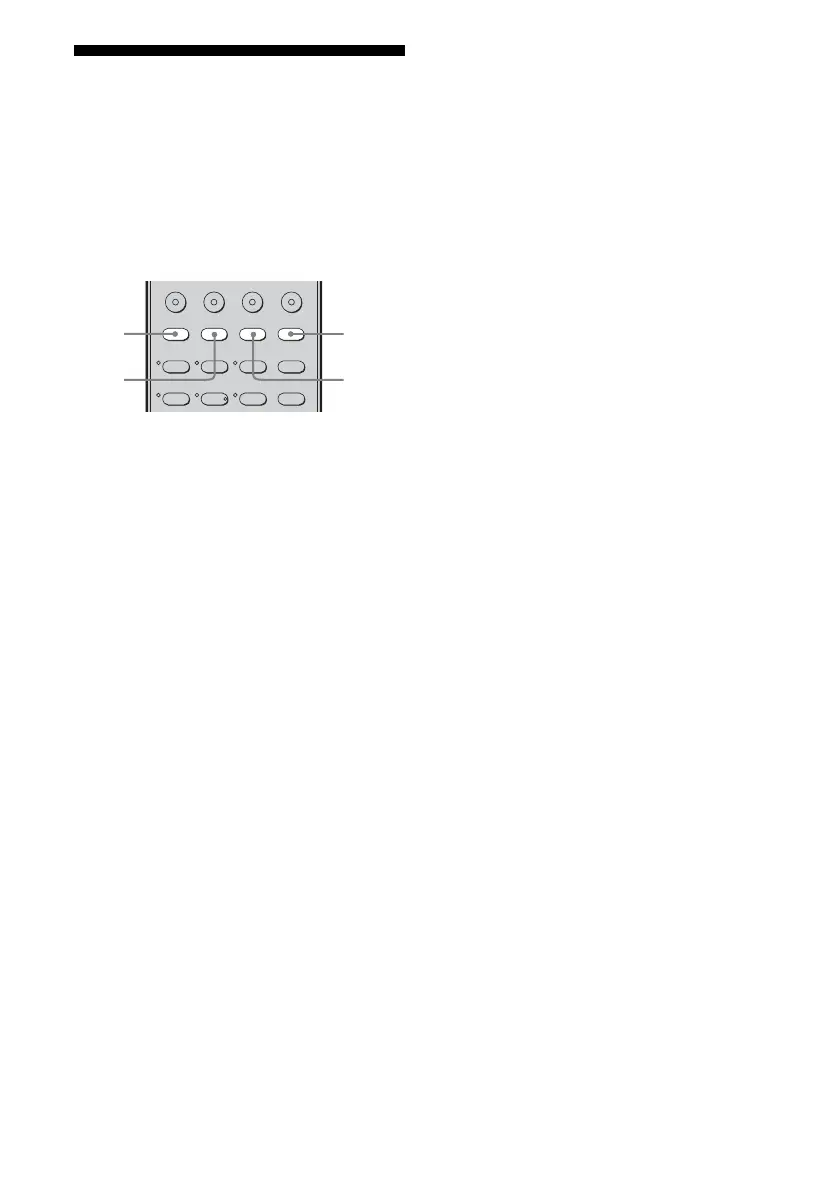
Press MOVIE repeatedly to select a
sound field for movies or press
MUSIC repeatedly to select a sound
field for music.
For details, see “Types of sound field
available” (page 41).
123
46
2CH A.F.D. MOVIE MUSIC
FM MODE
AMP MENU
SAT TV SA-CD/CD TUNER
5
MUSIC
MOVIE
2CH
A.F.D.



 To Next Page