34
US
Sensors of the TV do not work
properly.
The Bar Speaker may block some
sensors (such as the brightness
sensor), the remote control receiver
of your TV or the emitter for 3D
glasses (infrared transmission) of a 3D
TV that supports the infrared 3D glass
system, or wireless communication.
Move the Bar Speaker away from the
TV within a range that allows those
parts to operate properly. For the
locations of the sensors and remote
control receiver, refer to the
operating instructions supplied with
the TV.
The system does not work properly.
The system may be in demo mode. To
cancel demo mode, reset the system.
Press and hold – (volume) and
(power) on the Bar Speaker for more
than 5 seconds (page 34).
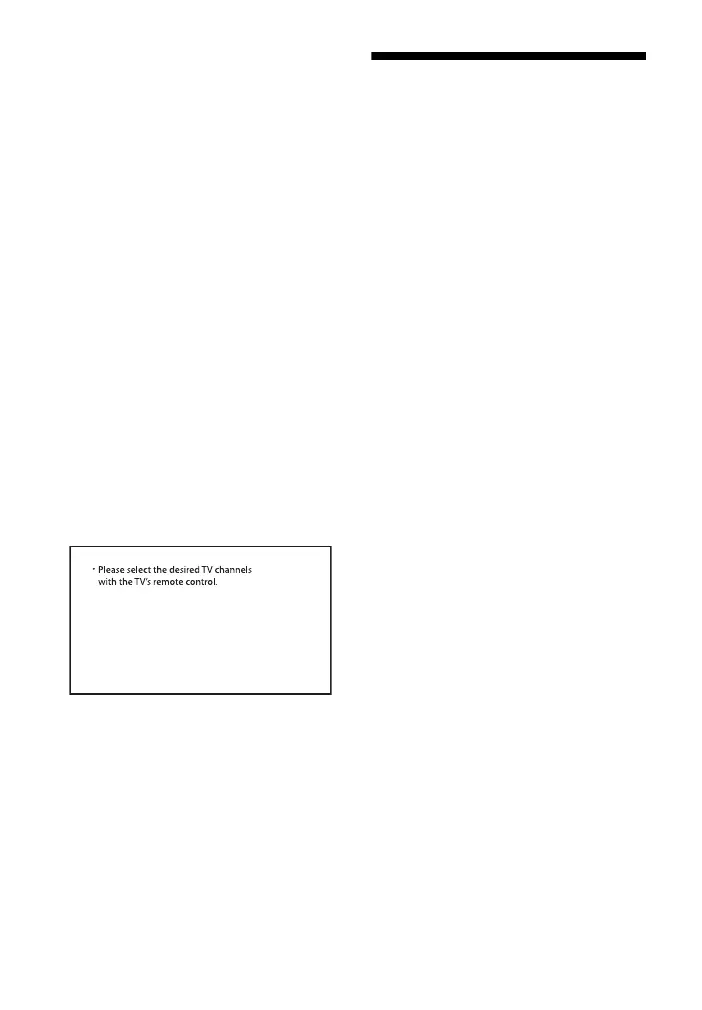
When you change to the TV input
from the USB input by pressing
INPUT, the message appears.
* This screen is an example for English.
Select the TV program by using the TV
remote control.
Resetting the System
If the system still does not operate
properly, reset the system as follows.
1 Press and hold – (volume) and
(power) on the Bar Speaker for
more than 5 seconds.
All indicators on the Bar Speaker
flash 3 times, and the settings
return to their initial status.
2 Disconnect the AC power cord
(mains lead).
3 Connect the AC power cord (mains
lead), then press to turn on the
system.
Tip
The default settings are underlined on
each feature description.



 To Next Page